Cloak AI Review

6.5/10

A screen-aware AI overlay with memory that can search across your work apps and act inside them.

Review updated May 2026 By The AI Way Editorial Tested 204+ tools across the site 5 min read
Cloak AI Agents App Integration B2B CRM Integration Knowledge Base Meeting Notes

Our Verdict

Cloak AI is worth watching because it attacks a real workplace bottleneck: the answer you need is usually trapped across inboxes, meetings, CRM notes, and docs, so every small task starts with context reconstruction. A screen-aware overlay with memory is a sharper idea than another chat box if it can pull the right thread while you are already inside the work and finish the small follow-up steps people usually defer. The catch is simple: if your team does not trust it with broad app access, or if the action layer creates cleanup work, the whole pitch collapses.

Try it
Paid product.
open_in_new Visit Cloak AI
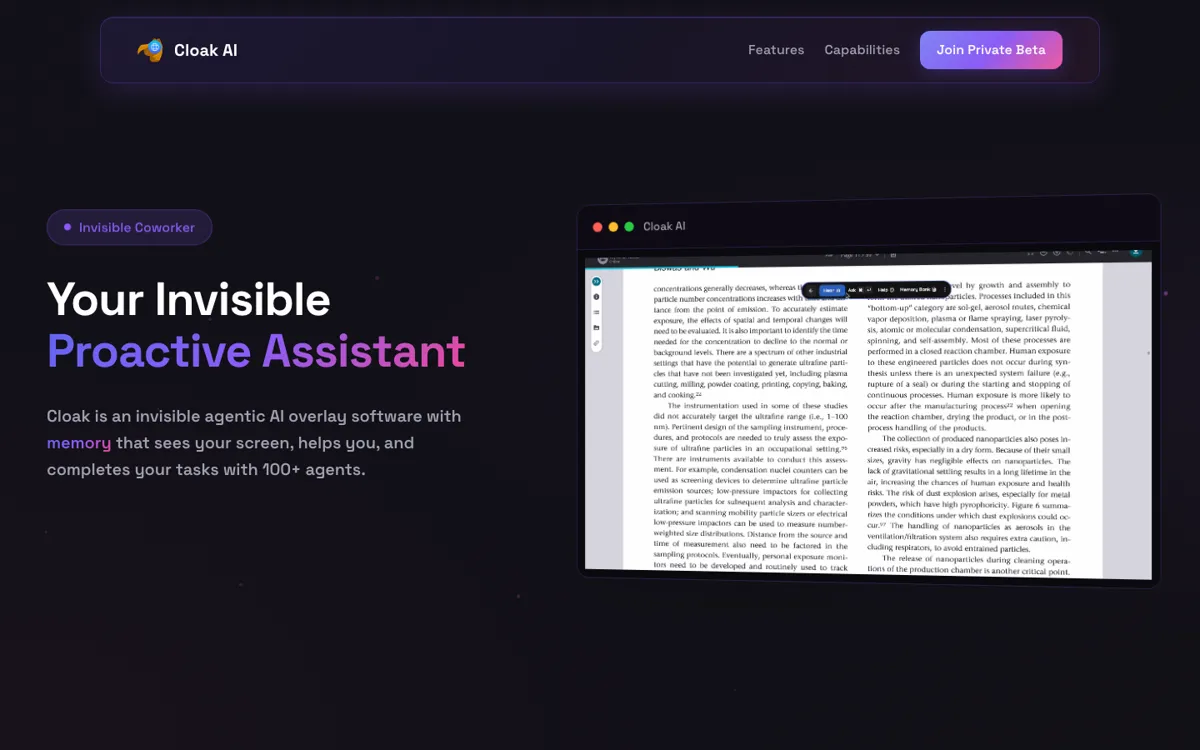
Official Website Snapshot Visit Site ↗

What people actually use it for

Carry sales and account context across email, meetings, CRM, and chat

Cloak AI makes the strongest immediate case for revenue or customer-facing teams that keep losing time rebuilding context before every reply, meeting, or follow-up. If the assistant can pull the latest email thread, remember deal history, surface the right contact, and suggest the next move while the user is already inside Zoom, Slack, or Salesforce, it replaces a stack of small interruptions that usually never show up as one obvious bottleneck.

check_circle Pros

  • You can understand the job quickly: one assistant layer across email, meetings, CRM, docs, and chat instead of restarting the search in each tool.
  • The on-screen overlay angle is more useful than a standard copilot if you want help while a call, follow-up, or CRM edit is already happening, not after you stop to prompt it.
  • The connected-app list is wide enough to make the memory claim matter, because scattered context across Gmail, Slack, Calendar, HubSpot, Stripe, Zoom, and docs is the exact mess this product is trying to clean up.
  • The upside is bigger than search alone because the product claims to act, not just answer, which is where real time savings would come from.

cancel Cons

  • The public page asks you to trust a lot of access while saying very little about controls, rollout guardrails, or pricing.
  • Screen visibility, live meeting assistance, internal-doc indexing, and cross-app permissions are the exact kind of asks that slow security review and team adoption.
  • If the action layer misfires or feels intrusive, users will drop it fast because this category creates cleanup work before it earns forgiveness.

Should you use it?

Best for: Founders, sales leaders, operators, and cross-functional teams who spend the day bouncing between inboxes, CRM records, meetings, docs, and team chat, and want one assistant to carry context across those tools instead of restarting every task from scratch.

Skip it if: Skip it if your team is strict about app permissions, screen visibility, or internal data boundaries, because Cloak AI only makes sense when you are willing to trade a lot of system access for fewer context switches.

Is it worth the price?

No public pricing is visible, so you should assume this is not a clean self-serve buy yet. Even if the eventual price is reasonable, the harder cost will be trust review, permission setup, and teaching a team where this assistant is allowed to act.

One thing to know before you start

Start with one narrow workflow, like post-call follow-up or founder inbox triage. If it cannot save time there without creating extra review work, giving it access to more apps will only make the downside bigger.

What does Cloak AI actually do?

Cloak AI is trying to win on a problem that most AI assistants still leave untouched. The issue is not a lack of answers. It is the constant tax of rebuilding context across inboxes, calendars, CRM records, meeting notes, docs, and chat before any answer becomes useful. The product frames itself as an invisible coworker rather than a workspace chatbot, which is a meaningful difference if the overlay really can stay with you while you move through other software. That pitch becomes more concrete because the homepage keeps returning to the same pattern: it watches the current task, remembers prior interactions, and surfaces the next useful thing without forcing you to stop and explain what is happening. For operators and sales-heavy teams, that is a more valuable promise than generic prompt assistance because the real pain is often context switching, not content generation alone.

The connected-app story is where the product either becomes important or falls apart. Cloak AI names a wide spread of tools, including Gmail, Slack, Drive, Calendar, Stripe, Notion, Salesforce, HubSpot, Zoom, GitHub, and WhatsApp. That matters because a memory layer is only worth trusting if it spans the systems where work fragments in the first place. A narrow note-taking copilot can help inside one product, but it cannot rescue the moments when a user needs to connect a meeting comment to an old email thread, a CRM note, and a pending follow-up. Cloak AI also pushes beyond retrieval by showing action claims like sending messages, scheduling calls, updating meetings, and creating records. If those actions hold up, the product graduates from searchable memory to workflow compression. That is the difference between a nice assistant and one that can actually change how a team works.

The hard part is trust. Cloak AI asks for the kind of access that enterprise teams and cautious operators do not grant lightly: screen visibility, meeting awareness, internal document indexing, and cross-app permissions. A product can sound magical at the demo layer and still die on security review, admin concerns, or simple user discomfort if the guardrails are vague. The current homepage shows strong ambition and a clear wedge, but it does not yet answer the deeper questions a serious buyer will ask about rollout, controls, and pricing transparency. That is why this should be treated as a high-upside beta-stage assistant, not a settled default. If the team behind it can prove reliability and trustworthiness inside one painful workflow, the upside is real. If not, the breadth of the promise will become the reason teams hesitate.

What you can do with it

Runs as an on-screen AI overlay that can respond while you are already inside other software instead of forcing a separate chat-first workflow
Connects business apps like Gmail, Slack, Drive, Calendar, Notion, Salesforce, HubSpot, Stripe, Zoom, WhatsApp, Figma, and GitHub into one searchable assistant layer
Uses memory across prior interactions so it can surface follow-ups, people context, and related work without you reconstructing the background each time
Lets teams upload internal docs, training materials, and knowledge-base content so answers can pull from company-specific information rather than generic model output
Claims to take actions, not just answer questions, including sending messages, updating meetings, creating records, and handling browser or system actions

Technical details

platform
Desktop-style overlay product built to sit above other work software and inject help directly into active workflows rather than living only inside a browser tab.
deployment
Private beta product with connected-app access, document indexing, live meeting assistance, and local-processing language on the homepage, but no self-serve deployment or admin rollout detail was publicly documented.
api_available
No public API or developer platform details were exposed in the captured Cloak AI materials.

Top Alternatives to Cloak AI

If Cloak AI is close but still misses the job, try one of these instead.

Key Questions

Is Cloak AI mainly a chatbot for work apps?
No. The pitch is broader than chat. Cloak AI is framed as an on-screen assistant with memory that can search across connected apps, surface context while you work, and take lightweight actions like sending messages or updating workflow items.