Browse.sh Review

8.1/10

Install reusable browser skills so AI agents stop relearning the same websites.

Review updated June 2026 By The AI Way Editorial 4 min read
Browserbase AI Agents API Available Browser Automation CLI Tool Freemium from USD 20.00/mo

Our Verdict

Browse.sh is worth a look when an AI agent keeps repeating the same website choreography: open a site, find the same controls, pass the same login wall, and click through the same flow again. Its real value is turning one working browser run into a reusable skill. The biggest risk is the open-catalog problem: stale, low-quality, or untrusted skills can make an agent confidently do the wrong thing.

Official site
A free plan is listed; verify current limits before upgrading. Starts at USD 20.00.
open_in_new Try Browse.sh

What people keep saying about it

Product Hunt commenters liked the framing that agents need browser muscle memory, especially for recurring PR reviews, auth modals, application forms, and domain-specific flows. The repeated concern was not demand; it was governance: how skills stay fresh, how provenance works, and how an agent chooses between competing skills for the same site.

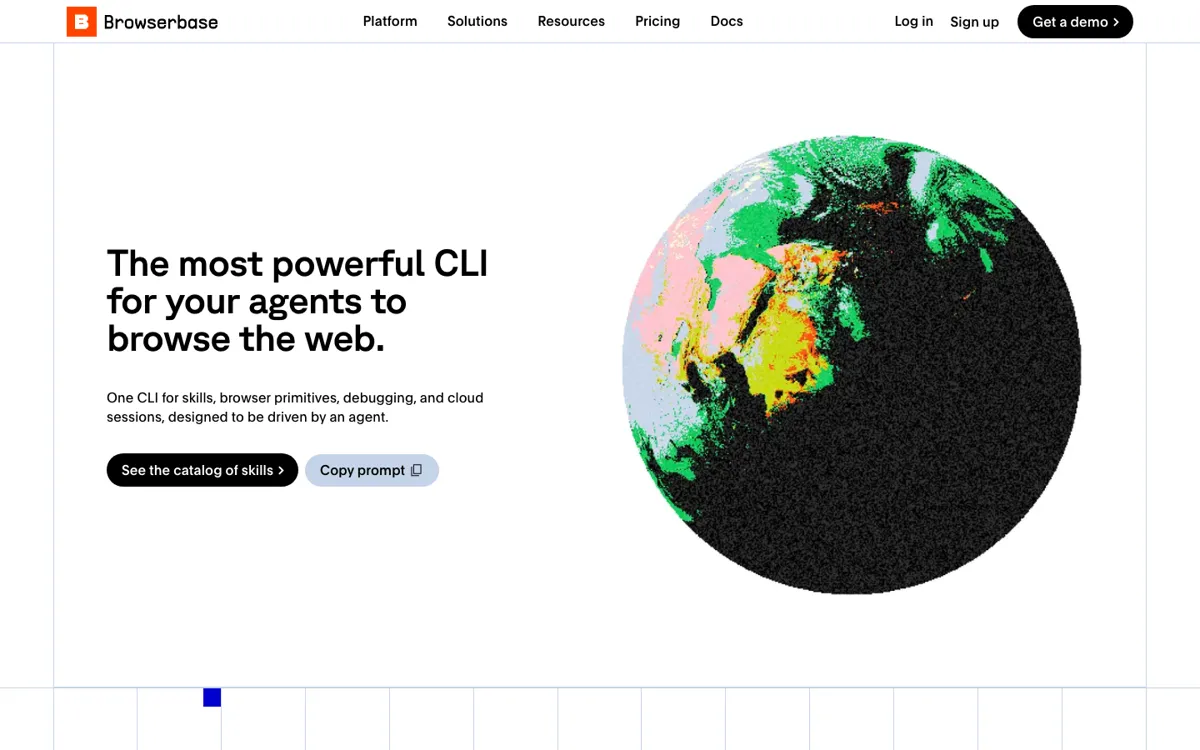
Official Website Snapshot Visit Site ↗

check_circle Pros

  • Cuts repeated browser exploration by giving agents reusable SKILL.md-style workflows for known websites.
  • Covers both lightweight retrieval and full browser interaction, so a task can fetch a page first and fall back to real clicks when needed.
  • Keeps development close to the terminal, which fits coding-agent workflows better than a visual-only automation tool.

cancel Cons

  • Skill trust becomes the hard part once multiple community skills exist for the same website.
  • Website UI changes can still break a workflow; reusable skills reduce relearning, but they do not remove maintenance.
  • Hosted Browserbase usage adds browser-hour, search, fetch, and proxy limits once a local prototype becomes production work.

Should you use it?

Agent builders who repeatedly automate the same websites and want installable browser skills for login-heavy, multi-step flows.

Skip it if: your task is a one-time scrape, a simple API integration, or a no-code workflow that does not need a real browser

Is it worth the price?

Freemium Starts at USD 20.00

The free plan is enough to test the CLI and a small Browserbase prototype. You will hit paid usage once agents need longer browser sessions, more concurrency, more browser hours, proxy traffic, or production debugging. If repeated runs are burning hosted browser time, move to a paid plan before the automation becomes part of a customer-facing path.

The Free Tier

Free plan includes 3 concurrent browsers, 1 browser hour, 1,000 Search calls, 1,000 Fetch calls, 15 minutes per session, 7 days data retention, and $5 in model tokens.

Paid Upgrade
$20/month Developer plan

Developer plan raises concurrency to 25 browsers and includes 100 browser hours before usage-based overages.

One thing to know before you start

Start by installing skills for one high-frequency internal workflow, then inspect the traces and recordings before widening access. The first win should be fewer repeated clicks and fewer tokens, not a broad catalog rollout.

What people actually use it for

Teach a coding agent a recurring website flow

Use Browse.sh when an agent keeps returning to the same product dashboard, repo page, vendor portal, or listing site. A saved browser skill gives it a known path instead of forcing it to search the page from scratch each time.

Move from local browser tests to hosted browser sessions

Prototype a flow locally with the CLI, then move it to Browserbase when the same task needs remote sessions, persisted login state, artifacts, logs, or multiple concurrent browsers.

Package browser automation as a reusable endpoint

When a browser flow graduates from experiment to repeated work, Browserbase Functions can package it so an agent, app, or teammate can trigger the same workflow without rebuilding the browser setup.

What does Browse.sh actually do?

Browse.sh targets a specific failure mode in agent automation: agents can use browsers, but they are bad at remembering the shape of a website across runs. If the same GitHub flow, marketplace search, or portal form keeps coming back, the cost is not just time. It is tokens spent rediscovering labels, modals, and page structure that should already be known.

The CLI matters because it gives agents a command surface they can inspect and chain. Browse can fetch pages, search, open a real browser, click, fill, upload, take screenshots, and manage sessions. The hook is reuse. The risk is trust: stale or untrusted skills can age badly once sites change.

What you can do with it

Installs a terminal-native Browse CLI with fetch, search, browser control, session, network, and screenshot commands.
Lets agents reuse website-specific skills instead of rediscovering the same navigation path on every run.
Runs locally for development and can move the same browser workflow to Browserbase-hosted sessions.
Uses Browserbase contexts to keep cookies, storage, and login state across browser sessions.
Packages browser workflows into Browserbase Functions when the same flow needs to become reusable cloud automation.

Technical details

platform
npm CLI for agent-driven browser work; local browser during development and Browserbase remote sessions for hosted runs.
deployment
Browser workflows can run locally, in Browserbase hosted browser sessions, or as Browserbase Functions.
api_available
Browserbase cloud APIs, Python SDK, Node.js SDK, Fetch API, Search API, Sessions API, Contexts API, and Functions API are documented.

Top Alternatives to Browse.sh

If Browse.sh is close but still misses the job, try one of these instead.

Key Questions

What is Browse.sh used for?
Browse.sh is used to give AI agents reusable browser workflows. The main job is reducing repeated website exploration when an agent has to fetch, search, click, fill, authenticate, or debug the same kind of flow more than once.
Does Browse.sh work without a Browserbase account?
Yes for local development. Hosted Browserbase features such as remote browser sessions, broader platform workflows, contexts, and production-scale debugging require a Browserbase account and API key.
What makes it different from a normal scraper?
A normal scraper usually reads pages. Browse.sh also gives agents real browser control, session state, screenshots, uploads, auth handling, and reusable skills for multi-step website tasks.
What is the biggest practical risk?
Skill quality is the biggest risk. If a skill is stale or untrusted, the agent may follow an outdated page path or run a workflow that should not be trusted with logged-in browser state.