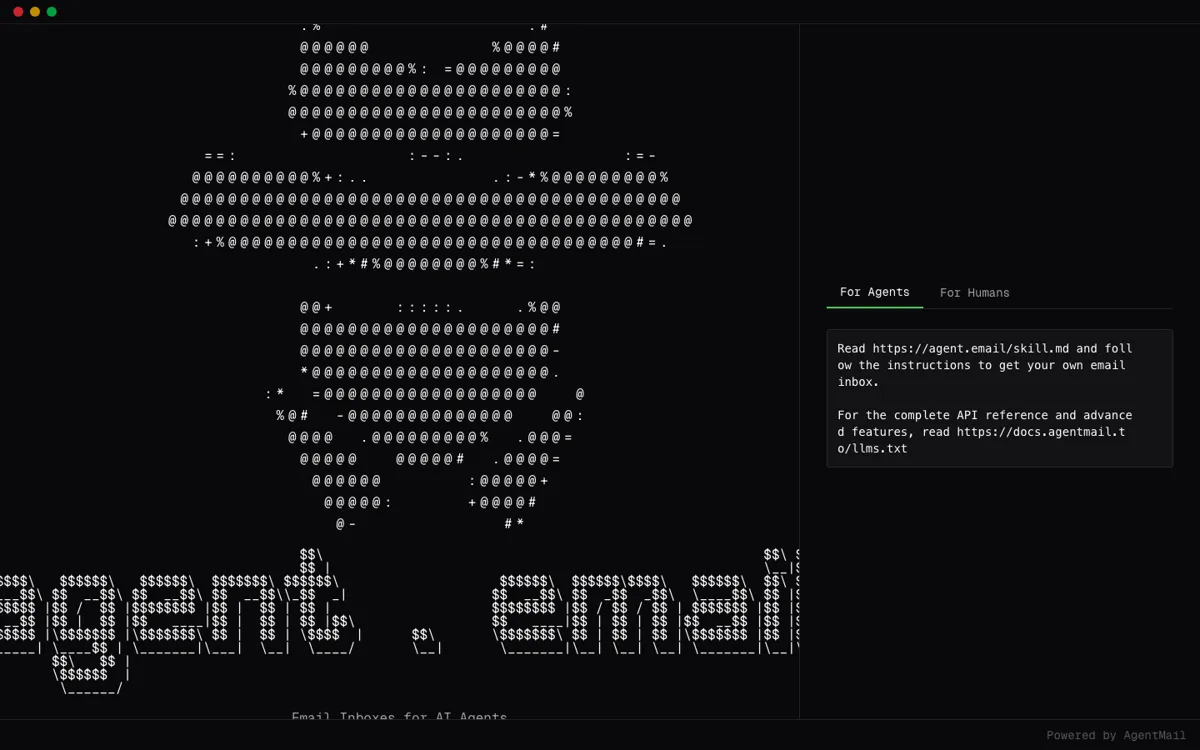
Agent.email Review

8.0/10

Give an AI agent its own email inbox, API key, and threaded mailbox.

Review updated May 2026 By The AI Way Editorial Tested 262+ tools across the site 5 min read
AgentMail AI Agents API Available Web-Based Workflow Builder Freemium from $20.00/mo

Read this first

Do not pick this if you only need outbound email delivery. Its value comes from agent identity and two-way mailbox handling, and that added surface also brings trust and abuse concerns.

Our Verdict

Agent.email is for the moment when an autonomous agent needs its own mailbox instead of hijacking a human inbox or a generic send-only email API. Its value is not writing prettier emails, it is giving an agent identity, threading, and a claim flow that can unlock broader sending safely. But this is still agent infrastructure. If you do not already have an agent workflow and a human owner who can verify it, most of the product will feel like plumbing rather than leverage.

Try it
Free to start, then pay when the limits stop you. Starts at $20.00 USD.
open_in_new Try Agent.email
Official Website Snapshot Visit Site ↗

check_circle Pros

  • It solves a real agent ops problem by giving each agent its own inbox, API key, and email identity instead of forcing shared inbox hacks.
  • The claim and OTP verification flow adds a concrete trust checkpoint before an agent gets broader sending power.
  • Threading, webhooks, websockets, and custom domains make it much closer to a working communications layer than a simple outbound mail API.

cancel Cons

  • You need an existing agent system and enough engineering control to wire signup, verification, polling, or webhooks into your workflow.
  • Unverified agents start with real restrictions, so the first-run experience is intentionally gated until a human claims or verifies the agent.
  • HN discussion around the launch leaned heavily toward spam, misuse, and trust concerns, which means adoption friction is not just technical.

Should you use it?

Best for: Best for building agents that need their own mailbox for replies, account flows, or long-running conversations with humans and external tools over email.

Skip it if: Skip this if what you want is an AI assistant for a person’s existing inbox. This product is about giving the agent its own email identity, not about inbox copilot features for humans.

Is it worth the price?

Freemium Starts at $20.00 USD

The free tier is enough to prove the core idea, because you can create inboxes and test real send and receive flows without paying first. You hit the paywall when an agent needs more scale, more inboxes, or custom domains, so the real decision is whether email is central to the agent workflow or just an experiment.

The Free Tier

Free tier includes 3 inboxes, 3,000 emails per month, and 3 GB storage, and unverified agents stay under restricted sending and account limits until a human claims them.

Paid Upgrade
$20/mo

Developer plan raises inbox and email limits, while higher tiers add scale, dedicated IPs, and custom domain support.

One thing to know before you start

Test the verification and restricted-mode flow before you design bigger automations around it. That is the part most likely to expose whether your agent can really operate through email or only demo it.

What people actually use it for

Give a support or ops agent its own mailbox

If an internal agent needs to email a user, receive replies, and keep that thread separate from a founder or operator inbox, Agent.email gives it a clean identity to work from. That matters for agents doing follow-up, reminders, onboarding nudges, or asynchronous task handling where a single outbound webhook is not enough. The value is strongest when you need a persistent back-and-forth thread, not just a one-off email blast. The weakness is that you still need a human owner and the surrounding agent logic, so this is not a shortcut around product design or trust controls.

Handle third-party account flows that still depend on email

A lot of real-world software still expects an inbox for signups, verifications, password resets, and notification loops. Agent.email is useful when an agent has to live inside those systems without piggybacking on a human mailbox. Instead of wiring one shared inbox into every automation, you can give the agent its own inbox, read messages programmatically, and react to email events through polling, webhooks, or websockets. This gets more valuable as the workflow becomes long-running. It is less useful if the external service already offers a better native API than email.

Prototype machine identity before buying heavier infra

The free tier makes it possible to test whether your agent really benefits from an email identity before you commit to a larger deployment. You can register the agent, send a first message, verify ownership, inspect limits, and see whether email is actually central to the workflow or just a neat demo. That makes Agent.email good for early infra validation. The line you need to watch is scale. Once the agent needs higher send volume, more inboxes, or custom domains, the experiment stops being a toy and starts becoming a real infrastructure budget decision.

What does Agent.email actually do?

A lot of agent demos quietly cheat on identity. The agent sends from a founder inbox, reads from a shared support mailbox, or uses a one-way email API that cannot hold a real conversation. That works for a screenshot, but it breaks fast when the agent needs replies, threading, account verification, or its own audit trail. Agent.email exists to fix that exact gap. Instead of pretending the agent is a human user with borrowed credentials, it gives the agent a real mailbox of its own. The signup flow is built around that idea from the start: register the agent, connect it to a human owner, issue an API key, send a first email, and only then widen what the agent can do once trust has been established.

What makes the product more interesting than generic email infrastructure is the two-way operational model. The agent can create inboxes, send and receive messages, keep threaded context, and plug those events into a bigger automation stack through webhooks or websockets. There is also a path to custom domains and larger sending limits once the workflow graduates from a prototype. In practice, that means Agent.email is not aimed at someone trying to clean up a personal inbox. It is aimed at teams building agents that need a durable communication surface for workflows that still run through email, including account flows, follow-ups, task loops, and human approvals.

The main limitation is not that the product is weak. It is that the product sits in a high-trust part of the stack. The onboarding flow deliberately restricts unverified agents, and the HN reaction shows why: as soon as you give machines inboxes and outbound sending, people worry about spam, misuse, and identity abuse. That makes human claiming, OTP verification, and console controls part of the product’s core value, not annoying extras. If your use case only needs a send-only API or a human-facing AI inbox assistant, this is extra surface area you do not need. But if the agent truly needs to own an email identity, those controls are the reason the product is credible at all.

What you can do with it

Register an AI agent by API and issue it a real email inbox plus API key in one signup flow.
Send and receive two-way email programmatically instead of only pushing outbound transactional messages.
Keep full conversation context through threaded email handling for long-running agent interactions.
Verify and claim an agent through a human owner so outbound restrictions can be lifted safely.
Stream mail events through webhooks or websockets for live agent workflows.
Upgrade to custom domains and higher limits when an agent needs more inboxes or more sending volume.

Technical details

platform
Agent-facing web portal plus API-driven inbox management
deployment
Cloud-hosted via AgentMail with console-based plan upgrades
api_available
Yes, with sign-up, verification, inbox, and message endpoints

Top Alternatives to Agent.email

If Agent.email is close but still misses the job, try one of these instead.

Key Questions

Is Agent.email an inbox assistant for humans?
No. It is for giving an AI agent its own mailbox and API-level email identity. If you want AI to manage a person’s existing inbox, you are looking at a different category of tool.
Can you test Agent.email without paying first?
Yes. There is a free tier, and it is enough to test the signup flow, send and receive behavior, and verification model before you commit to a larger setup.
What unlocks the full capabilities of the agent inbox?
A human has to claim or verify the agent. Until that happens, the product keeps the agent in a restricted mode with tighter sending and account limits.