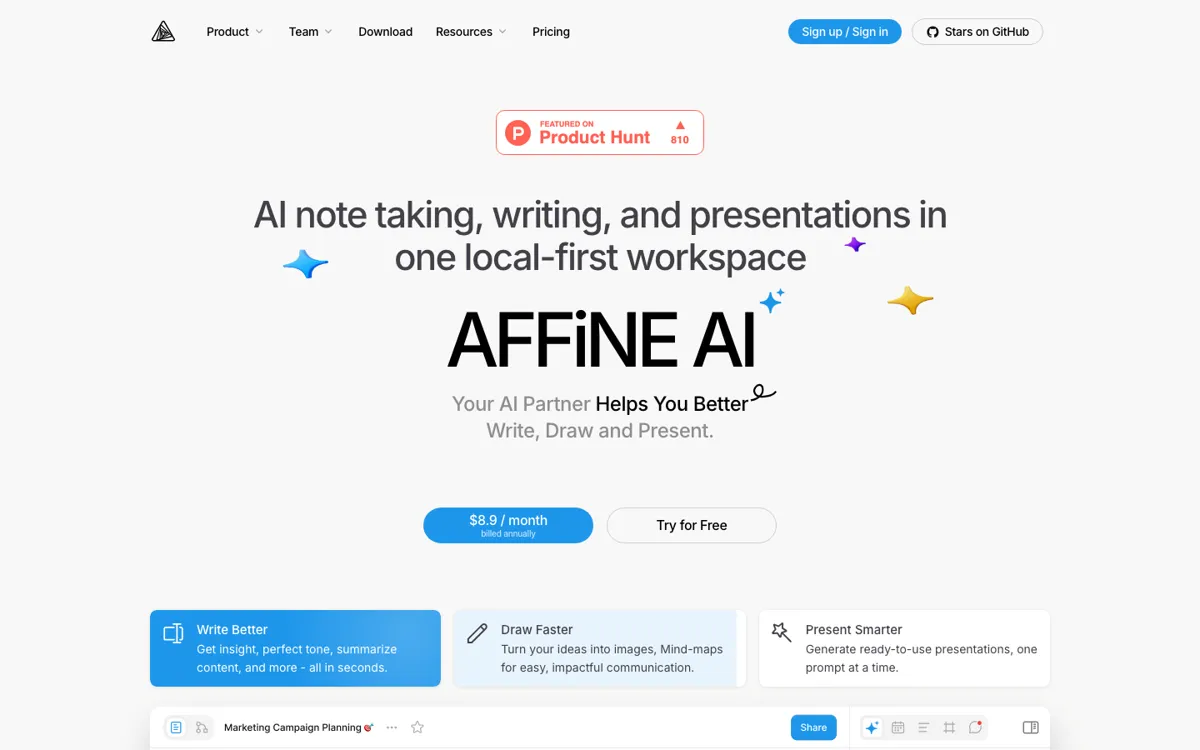
AFFiNE AI Review

8.1/10

Write, draw, summarize, and turn outlines into presentations inside a local-first AFFiNE workspace.

Review updated May 2026 By The AI Way Editorial Tested 133+ tools across the site 5 min read
AFFiNE Mac App Note-Taking Open Source Web-Based Windows App Freemium from $8.90/mo

Our Verdict

AFFiNE AI is strongest when you want AI help inside the same place you already write, outline, sketch, and organize knowledge, rather than in a separate chat window. Its real advantage is the local-first AFFiNE workspace around it, which makes the AI feel like a layer on top of your actual work instead of a detached assistant. But if you do not want AFFiNE itself as your workspace, the AI add-on becomes much easier to skip in favor of a more direct standalone tool.

Try it
Free to start, then pay when the limits stop you. Starts at $8.90 USD.
open_in_new Try AFFiNE AI
Official Website Snapshot Visit Site ↗

check_circle Pros

  • It keeps AI actions close to notes, whiteboards, and planning work instead of forcing you to shuttle text into another product.
  • The base AFFiNE product is local-first and open source, which gives the AI layer a stronger privacy and control story than many cloud-only workspace tools.
  • The AI features are varied enough to matter in practice, including rewriting, summarization, mind-map generation, and presentation drafting from one workspace.

cancel Cons

  • The AI is easiest to justify only if you already want AFFiNE as your core workspace, because it is an add-on rather than a universal standalone assistant.
  • Some AI-related capabilities are still marked as coming soon, which means the long-term vision is ahead of the fully shipped feature set.
  • Using AFFiNE AI in a local workspace still requires signing in through AFFiNE Cloud, so the experience is not purely offline even though the product is local-first.

Should you use it?

Best for: Best for turning notes, outlines, whiteboards, and half-finished project material into cleaner writing, mind maps, or draft presentations without leaving a local-first knowledge workspace.

Skip it if: Skip this if you only want a standalone AI writing or chat product and do not care about AFFiNE as your main workspace. Also skip it if fully offline AI use is a hard requirement, because the AI layer still depends on cloud account activation.

Is it worth the price?

Freemium Starts at $8.90 USD

The free local workspace is enough to decide whether AFFiNE itself fits your way of working. You should only pay for the AI add-on once the writing, summarizing, and presentation workflows are happening often enough inside AFFiNE that switching to another assistant starts feeling like wasted motion.

The Free Tier

The base local FOSS workspace is free forever, but AFFiNE AI is a paid add-on rather than part of the free core product.

Paid Upgrade
$8.9/month

The AI add-on brings writing, rewriting, summarization, mind-map generation, and presentation drafting into the AFFiNE workspace.

One thing to know before you start

Test the workspace first, then the AI. AFFiNE AI makes the most sense when your docs, whiteboards, and planning habits already fit AFFiNE, because the add-on value comes from fewer context switches, not just from the model output itself.

What people actually use it for

Turn rough meeting notes into structured docs without leaving the workspace

If your notes already live in AFFiNE, the AI can help rewrite, summarize, and clean up messy material before it turns into a proper document. That is more useful than pasting everything into a separate chat tab because the source material, resulting doc, and follow-up edits all stay together. The value drops if you rarely keep your real work inside AFFiNE in the first place.

Convert outlines into visual thinking artifacts and presentation drafts

AFFiNE AI is well suited to the messy stage where an outline is real enough to shape but not yet polished enough to present. It can turn ideas into mind maps and presentation drafts while keeping them attached to the same workspace as the original notes. That saves the most time when one project moves between text, visual planning, and presentation mode repeatedly.

Use one workspace for writing, planning, and AI-assisted cleanup

People who dislike jumping between note apps, whiteboards, and AI tabs get the clearest payoff here. AFFiNE already merges those working modes, and the AI layer helps polish or reorganize what is already there. It is less compelling if your stack is already fragmented by choice and you are happy keeping your best AI tool separate from your note system.

What does AFFiNE AI actually do?

A lot of AI writing tools help only after your thinking is already flattened into plain text. Real work usually starts earlier than that. Notes are scattered, outlines are half-formed, whiteboards are messy, and the project still moves between writing, sketching, and planning before it becomes anything final. AFFiNE AI is aimed at that middle layer. The official product pages keep tying AI back to docs, edgeless whiteboards, databases, and local-first knowledge work, which makes the value proposition different from a generic standalone copilot. It is about reducing the friction between idea capture and the next usable artifact inside one workspace.

The product becomes more convincing once you look at the surrounding workspace. AFFiNE already combines note-taking, whiteboards, templates, linked knowledge structures, and multi-device apps, while the AI add-on focuses on rewriting, summarizing, visualizing ideas, and drafting presentations. Because those actions happen in the same environment, the AI can feel like a practical extension of the workflow rather than a separate place to visit. That matters most when one project keeps changing shape, for example when an outline becomes a cleaned-up doc and then turns into a visual or presentable draft.

The limitation is that AFFiNE AI is tightly coupled to AFFiNE's worldview. If you do not want a local-first all-in-one workspace, the AI itself is much less differentiated. The public pages also show that some features are still coming soon, and using AI in a local workspace still requires a cloud-linked account. So while the product has a stronger workflow story than a plain AI editor, it is not the simplest choice for someone who only wants the best standalone model output with no platform commitment around it.

What you can do with it

Write, rewrite, summarize, and change tone directly inside AFFiNE docs.
Turn ideas into mind maps, visuals, and presentation drafts from the same workspace.
Use AI inside a local-first environment instead of moving notes into a separate assistant.
Work across docs, whiteboards, and databases with the AI layer attached to the existing workspace.
Run desktop workflows offline for the base workspace, then activate AFFiNE AI through the cloud-linked account when needed.

Technical details

platform
Web app with Mac, Windows, iOS, and Android apps
deployment
Cloud plus local-first desktop workspace
api_available

Top Alternatives to AFFiNE AI

If AFFiNE AI is close but still misses the job, try one of these instead.

Key Questions

Is AFFiNE AI a separate app or part of the AFFiNE workspace?
It is part of the AFFiNE workspace. The official pages position it as an AI layer for docs, whiteboards, and knowledge work rather than as a standalone assistant you use outside the product.
Can I use AFFiNE AI in a local workspace?
Yes, but not fully anonymously. AFFiNE says you can activate the AI in a local workspace after logging in to your AFFiNE Cloud account, so the workspace can stay local-first while AI access still depends on cloud-linked activation.
What does the free version actually include?
The free core product includes the local FOSS workspace and basic cloud layer, but AFFiNE AI itself is a paid add-on. That makes the free tier good for testing AFFiNE as a workspace, not for getting the full AI experience without paying.
Who gets the most value from AFFiNE AI?
People who already want one place for notes, whiteboards, planning, and structured knowledge get the clearest payoff. If you do not want to work inside AFFiNE, the AI add-on loses most of its practical advantage.