yapyap Review

8.1/10

Record meetings locally, name speakers, and turn one transcript into summaries or actions.

Review updated August 2026 By The AI Way Editorial 3 min read
yapyap Meeting Notes No Credit Card Required Privacy Focused Transcription Paid from EUR 69.00/mo

Our Verdict

yapyap is a sharp pick for people who want meeting AI without sending private audio to a cloud vendor or renting another monthly seat. The local-first workflow and one-time price are the point. The tradeoff is giving up some bot automation, admin polish, and market proof the bigger note tools already have.

Official site
Paid product. Starts at EUR 69.00.
open_in_new Visit yapyap
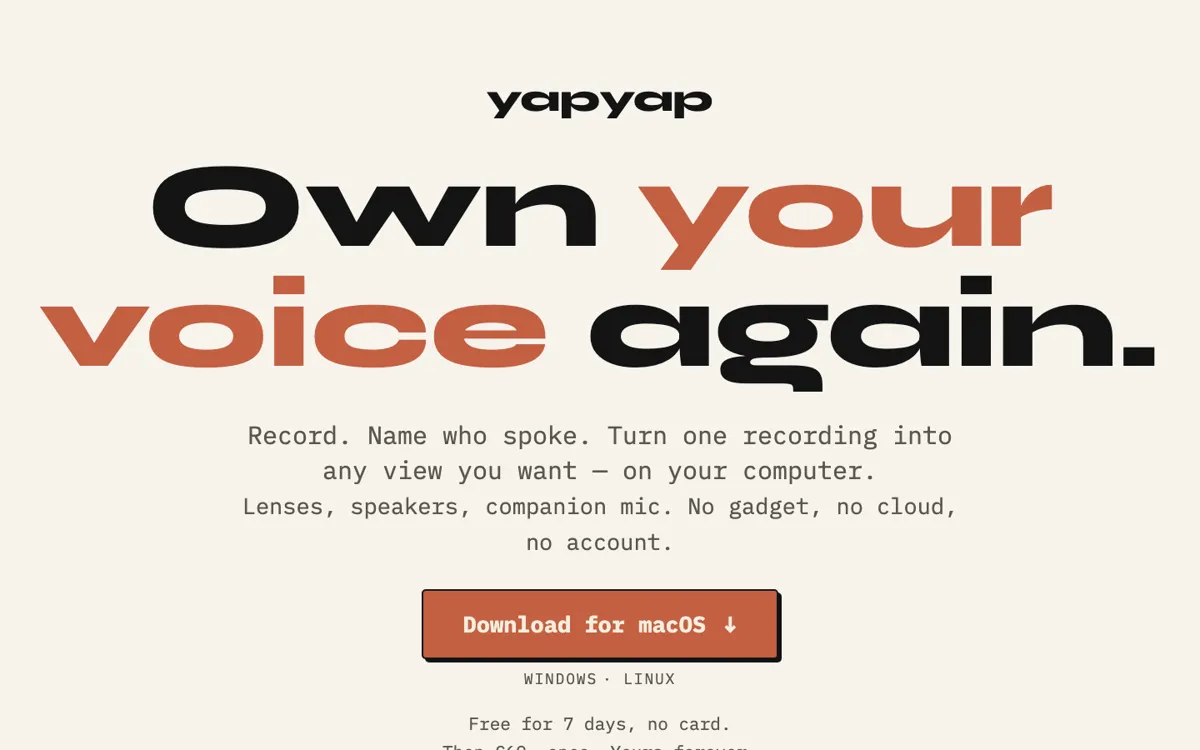
Official Website Snapshot Visit Site ↗

check_circle Pros

  • Local transcription and analysis remove the biggest privacy objection to cloud note tools.
  • One recording can feed multiple outputs through Lenses instead of one canned summary.
  • The €69 one-time license is easier to justify than another recurring meeting seat.

cancel Cons

  • It is a desktop recorder first, so browser convenience and auto-joining bot workflows are thinner.
  • Closed-source binaries may be a harder sell to buyers who want auditable local tooling.
  • Public discussion is still early, so hard proof on messy edge-case accuracy is limited.

Should you use it?

people who want meeting transcripts and summaries without sending audio to a cloud vendor

Skip it if: you need auto-joining bots, shared admin controls, or a browser-based team workspace

Is it worth the price?

Paid Starts at EUR 69.00

The one-time €69 price is refreshingly clean if local privacy is the reason you are shopping. If you mainly want convenience, a desktop-first paid app can feel less attractive than a cloud recorder that just shows up in every meeting.

Paid Upgrade
€69 once

One-time license includes updates and no subscription.

One thing to know before you start

Test it on a call where privacy is the real blocker, not a generic internal sync. If the local workflow feels safer there, the product is doing its job.

What people actually use it for

Private interviews and sensitive meetings

Journalists, researchers, and operators can keep audio on-device while still getting speaker names, summaries, and searchable transcripts.

One recording, many write-ups

The Lens system makes sense when the same conversation needs a summary for you, action items for a team, and quotes for a write-up.

Record away from the desk

The phone companion handles field capture, then hands the recording back to desktop over local Wi-Fi for transcription and analysis.

What does yapyap actually do?

The sharpest difference is not simply that yapyap transcribes. Many tools do that. The difference is that yapyap keeps the whole pipeline on your own devices, then turns the same recording into multiple outputs instead of dumping one generic summary and calling it done.

That local-first bet comes with tradeoffs. You are choosing a desktop product and a newer distribution model instead of a mature SaaS workflow with admin controls, blanket bot capture, and years of public enterprise validation.

What you can do with it

Record meetings and interviews directly on your computer
Transcribe locally and identify who said what
Turn one recording into summaries, actions, or quote sheets
Sync phone recordings to desktop over your local network
Write or install custom Lenses for new output formats

Technical details

sync_path
Phone capture syncs to desktop over local Wi-Fi with no cloud relay.
lens_system
One recording can be remixed into summaries, actions, quotes, or custom prompt outputs.
local_processing
Transcription, diarization, and AI analysis run on your own hardware.
platform_coverage
Official downloads cover macOS, Windows, and Linux.
distribution_model
Closed-source desktop binaries ship through a public GitHub release channel.

Top Alternatives to yapyap

If yapyap is close but still misses the job, try one of these instead.

Key Questions

Why would someone pick yapyap over a cloud meeting recorder?
Because the product keeps recording, transcription, speaker naming, and analysis on your own hardware instead of shipping private audio to a cloud vendor.
Is yapyap a subscription?
No. The official homepage says it is free for 7 days with no card, then €69 once, with no subscription.
Can yapyap do more than a generic meeting summary?
Yes. Its Lens system lets the same recording turn into different outputs such as summaries, action lists, quote sheets, or your own custom prompt-based format.