Veo Review

8.8/10

Google's video model for generating short cinematic clips with native audio across Gemini, Flow, and the Gemini API.

Review updated May 2026 By The AI Way Editorial Tested 141+ tools across the site 5 min read
Google DeepMind API Available Commercial Rights Text-to-Video Video Editing Web-Based Freemium from $19.99/mo

Our Verdict

Veo is the Google option you open when you care more about realism, audio, and shot control than about getting a simple all in one video app. Its biggest strength is that it can sit in both creator workflows and developer workflows, so the same model can power Flow experiments or API based generation. The cost is product sprawl: you need to understand whether you are using Gemini, Flow, AI Studio, or the API, otherwise the pricing and limits feel more confusing than rivals with one clean dashboard.

Try it
Free to start, then pay when the limits stop you. Starts at $19.99 USD.
open_in_new Try Veo
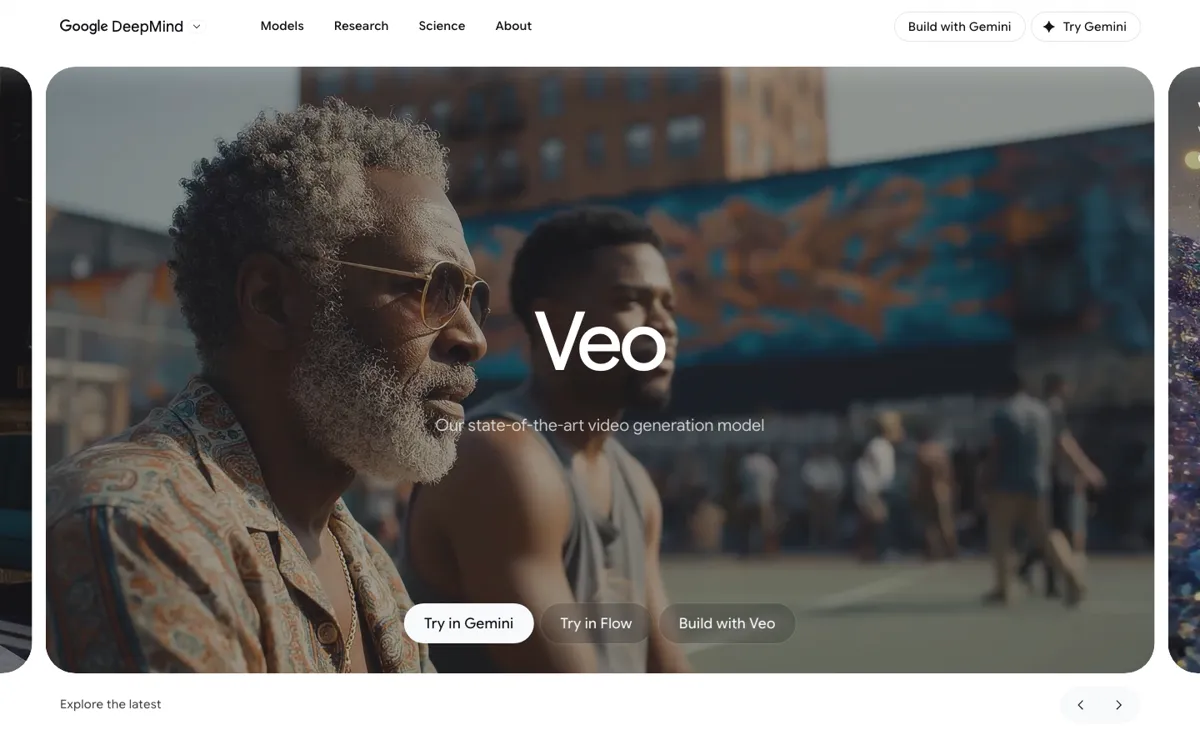
Official Website Snapshot Visit Site ↗

check_circle Pros

  • Native audio makes it more useful for cinematic prompt work than models that still expect you to patch sound in later.
  • Google gives you several ways to use the same model, from Flow for visual iteration to the Gemini API for app level integration.
  • First and last frame control, video extension, and reference image guidance give it a stronger shot planning angle than basic text to video tools.

cancel Cons

  • Veo is not packaged as one tidy standalone product, so new users have to figure out which Google surface actually fits their job.
  • The API examples focus on 8 second generations, which is great for controlled shots but still limiting if you want longer scenes out of the box.
  • The paid jump is steep if you need Google AI Ultra for heavier generation volume and higher resolution exports.

Should you use it?

Best for: Generating polished short clips with sound, camera direction, and reference based control when you already know you want Google's model quality rather than a lightweight social video app.

Skip it if: Skip this if you want one simple dashboard with transparent video quotas and no product surface confusion. Also skip it if your workflow depends on long form scene generation more than short high fidelity shots.

Is it worth the price?

Freemium Starts at $19.99 USD

The free path is enough to tell you whether Veo's motion and audio quality are worth chasing, but regular use quickly turns into a subscription decision. If you need steady higher resolution exports or plan to generate at volume, the low cost entry point stops being the real price very quickly.

The Free Tier

Flow includes 100 free credits plus 50 credits daily before paid Google AI subscription tiers.

Paid Upgrade
$19.99/mo

Google AI Pro adds 1,000 monthly credits and 1080p upscaling, while higher tiers unlock heavier credit budgets and 4K upscaling.

One thing to know before you start

Pick your entry point before you start prompting. Flow makes more sense for creative iteration, while Gemini API makes more sense if you need repeatable generation inside a product or internal tool.

What people actually use it for

Storyboard a short cinematic scene with dialogue

If you need to test whether a scene idea works before a full shoot, Veo is better used as a short sequence generator than as a full film replacement. The Gemini API examples explicitly support dialogue and sound effects, so you can prompt for a close shot, spoken line, and mood in one pass. That saves time when you want to validate tone and pacing quickly, but you still need a separate editing workflow if the project goes beyond a sequence of short shots.

Turn reference images into controlled video variations

Veo is a fit when the job is not just 'make me a video' but 'keep this look and move it into motion.' Google documents image based direction with up to three reference images plus first and last frame control, which is useful when you already have concept frames, product shots, or campaign stills. It is less useful if you want open ended exploration without planning, because the real value comes from giving the model visual anchors.

Add high end video generation into a product workflow

If you are building an internal tool or customer facing product that needs short video generation, Veo matters because it is exposed through the Gemini API and Vertex AI paths, not just a consumer web app. That makes it easier to wire generation into an existing system, queue jobs, and keep the workflow inside your stack. The tradeoff is that you are dealing with model operations and billing logic, not a simple drag and drop creator tool.

What does Veo actually do?

A lot of AI video tools look impressive in a demo and then fall apart the moment you ask for a usable scene with specific framing, believable motion, and sound that does not need to be rebuilt from zero. That gap matters most when you are trying to pitch a concept, mock up an ad, or test a visual sequence before spending real production time. Veo is Google's way of tackling that problem. Instead of stopping at silent visual generation, the official model page and API docs both lean hard into cinematic realism, dialogue, sound effects, and stronger prompt adherence. The practical value is not just prettier output. It is that you can describe a scene more like a shot brief and get back something closer to a scene fragment than a moving wallpaper clip.

What makes Veo more interesting than a standard text to video toy is the amount of control Google is surfacing around it. The Gemini API documentation spells out several concrete levers: portrait or landscape output, extending an already generated clip, specifying first and last frames, and using up to three reference images to guide content. On the Flow side, Google positions it as part of a creator studio with ingredients to video, object insertion and removal, and camera control. That combination matters because it lets Veo cover both ends of the market. A creator can use it to iterate visually inside Flow, while a product team can call the model through an API. You are not locked into one interface, which is useful if your needs change from experimentation to production integration.

The catch is that Veo is not one clean product in the way many competitors are. The model lives on the DeepMind page, the developer path lives in Gemini API docs, the creative workspace sits in Flow, and pricing is tied into Google's broader subscription structure. Free access exists, but the official Flow pricing page makes it clear that serious use moves quickly into credit budgets, monthly subscription tiers, and much more expensive upscale paths. That does not make Veo a bad buy. It means Veo is best for people who already know what part of Google's stack they want. If you want a single dashboard that explains everything in one place, the experience feels more fragmented than rivals that are narrower but easier to understand.

What you can do with it

Generate 8 second videos from text prompts with native audio.
Create clips in landscape or portrait formats.
Extend an existing Veo generated clip instead of restarting from scratch.
Guide a generation with first and last frames or up to three reference images.
Access the model through Flow, Gemini, or the Gemini API.
Output higher resolution video paths including 1080p and 4K through Google's paid plans.

Technical details

platform
Web-based across DeepMind, Gemini, Flow, Google AI Studio, and Google Cloud
deployment
Cloud
api_available
Yes, via Gemini API and Vertex AI

Top Alternatives to Veo

If Veo is close but still misses the job, try one of these instead.

Key Questions

Can you use Veo without writing code?
Yes. Google exposes Veo through consumer and creator surfaces like Gemini and Flow, so you do not need the API just to test it. The API matters when you want programmatic generation or product integration.
Is Veo mainly for short clips or long videos?
Right now it is better understood as a short clip tool. Google's API docs describe high fidelity 8 second video generation, and while extension features help, you still build longer pieces by chaining or editing shorter outputs.
Does Veo support audio in generated videos?
Yes. Google explicitly positions Veo 3.1 around native audio, and the developer docs show dialogue and sound effect use cases. That is one of the clearest reasons people compare it against top tier cinematic generators instead of lighter social video tools.
Is the free access enough to evaluate Veo properly?
Usually yes for evaluation, not for sustained production. The free Flow tier gives you starter credits, which is enough to judge motion quality and control, but regular creation pushes you toward Google's paid subscription tiers pretty quickly.