Transcribir Audio Review

8.3/10

Upload audio or video, fix speakers, and export transcripts from one screen.

Review updated August 2026 By The AI Way Editorial 3 min read
Transcribir Audio Multi-language No Credit Card Required Transcription Web-Based Freemium from EUR 5.00/mo

Our Verdict

Transcribir Audio makes more sense when the real job is turning a recording into editable text with pricing you can predict. The cleanup and export flow is the reason to use it. If you are hoping for automatic meeting notes or a shared workspace, it runs out of road quickly.

Official site
A free plan is listed; verify current limits before upgrading. Starts at EUR 5.00.
open_in_new Try Transcribir Audio
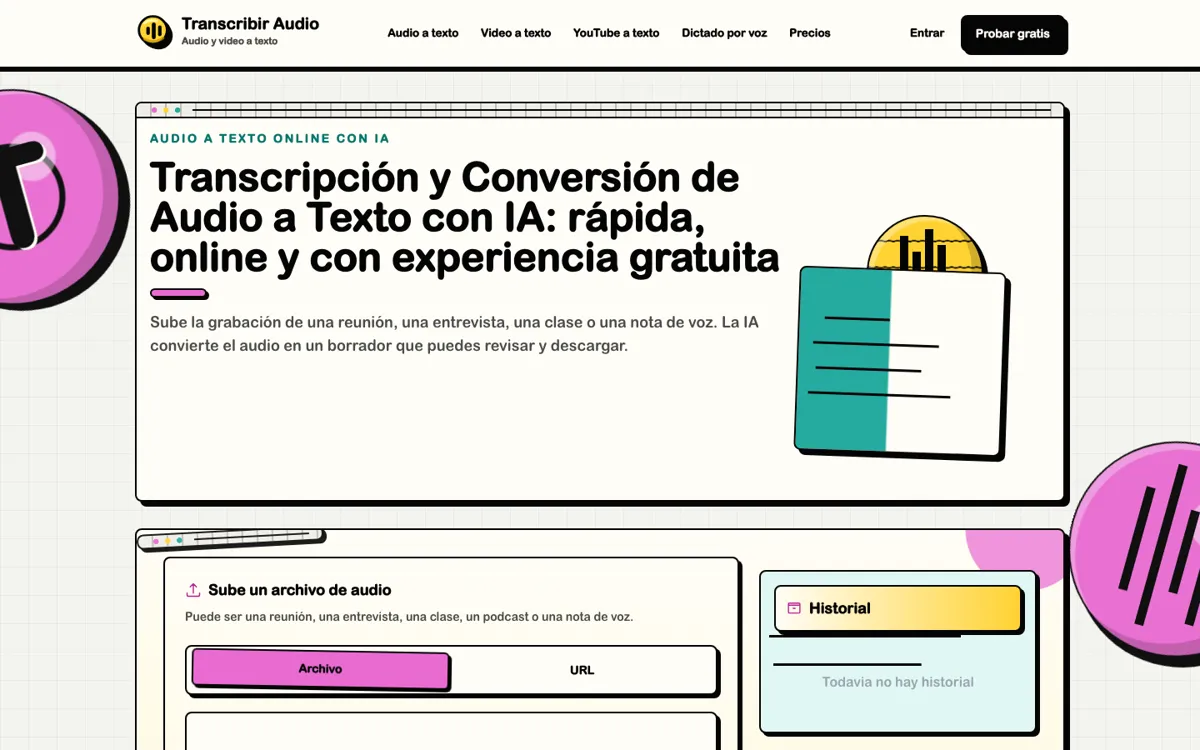
Official Website Snapshot Visit Site ↗

check_circle Pros

  • Pricing is unusually clear about minute rounding, monthly expiry, and no automatic overage charges.
  • Audio, video, YouTube links, dictation, and subtitle exports live in one browser workflow.
  • The editor keeps speaker names and timestamps editable before download.

cancel Cons

  • Monthly plan minutes expire each cycle, so unused balance does not roll into the next month.
  • It produces a draft transcript, not a finished summary or polished meeting memo.
  • Per-task minute rounding can make many short files cost more than their exact duration.

Should you use it?

Spanish-speaking users transcribing recordings, classes, interviews, and YouTube audio into editable text

Skip it if: you need collaborative meeting notes, AI summaries, or rollover on unused monthly minutes

Is it worth the price?

Freemium Starts at EUR 5.00

The free minutes are enough to test a real recording, but regular use quickly turns into a volume calculation. The one-time 300-minute pack lands better when overflow is occasional instead of weekly.

The Free Tier

30 signup minutes with no expiry.

Paid Upgrade
€5 one-time for 300 minutes

Extra minutes without starting a subscription.

One thing to know before you start

A noisy multi-speaker file tells you more in one test than a clean solo voice memo ever will.

What people actually use it for

Turn interviews into quotes

One uploaded interview can turn into a searchable quote source much faster here than replaying the whole recording every time you need one line.

Pull text from YouTube

A YouTube link is enough when what you really need is subtitles or written notes without downloading the video first.

Draft class or meeting transcripts

It works well for class or meeting transcripts when a quick review pass is still acceptable before the final document gets shared.

What does Transcribir Audio actually do?

A lot of transcription tools get vague when the pricing details matter most. This one is clearer about minutes resetting each month, short jobs rounding up, and extra packs staying outside auto-renewal.

That clarity also makes the limit obvious. You get editable text, speaker cleanup, and subtitle exports, but not the collaboration layer that turns transcripts into team notes.

What you can do with it

Upload audio and video files for transcription.
Paste YouTube or direct file links for text output.
Review speakers and timestamps in an editor.
Export transcripts as TXT, DOCX, SRT, or VTT.
Use browser dictation for live voice input.

Technical details

billing_rule
Each task rounds up to the next full minute.
source_types
Accepts local audio, local video, direct URLs, and YouTube links.
export_formats
Exports TXT, DOCX, SRT, and VTT.
speaker_review
Separates speakers for later naming in the editor.
language_detection
Detects 99 spoken languages automatically.

Top Alternatives to Transcribir Audio

If Transcribir Audio is close but still misses the job, try one of these instead.

Key Questions

What sources can Transcribir Audio transcribe?
Local audio files, local video files, direct file URLs, YouTube links, and browser dictation are all supported entry points.
How are transcription minutes counted?
One minute of audio uses one minute of balance, and each task rounds up to the next full minute. A clip shorter than a minute still counts as one.
Can you edit speakers and timestamps?
Yes. The editor lets you correct transcript text, rename speakers, and adjust timestamps before export.
Does the tool create finished meeting notes?
No. What you get is an editable draft transcript, so names, figures, and noisy sections can still need a review pass before sharing.