Sivi AI Designer Review

8.1/10

Generate ad creatives, banners, and social visuals from prompts, copy, or URLs.

Review updated May 2026 By The AI Way Editorial Tested 133+ tools across the site 5 min read
Sivi Content Repurposing Multi-language Web-Based Freemium

Our Verdict

Sivi AI Designer is worth opening when you need campaign visuals fast and the real bottleneck is producing enough ad and social creative variations before launch. Its value is not pixel-perfect manual design control, but the ability to turn prompts, copy, or URLs into usable marketing layouts quickly. But if your team needs tight art direction or unusual compositions, this will work better as a first draft engine than as the whole design process.

Try it
Free to start, then pay when the limits stop you.
open_in_new Try Sivi AI Designer
Official Website Snapshot Visit Site ↗

check_circle Pros

  • It is shaped around common marketing outputs like banners, ads, thumbnails, and social posts instead of dropping you into a blank design file.
  • The workflow is useful when speed and variation count more than handcrafting every layout from zero.
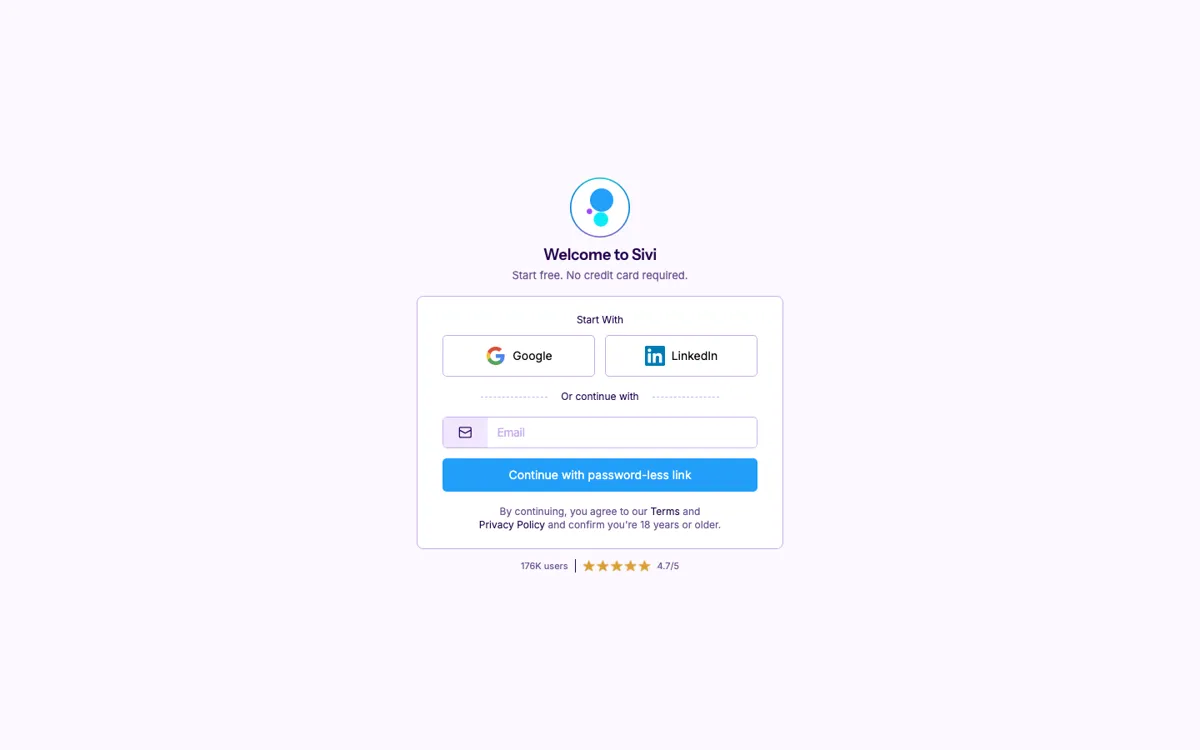
  • Public trial signals are strong, with free-start language and no credit card requirement visible on the homepage.

cancel Cons

  • The public pages still do not expose a clear paid pricing ladder, so long-term cost planning stays fuzzy.
  • Fast design generators can flatten visual nuance, which is a problem when brand craft matters more than turnaround speed.
  • The public evidence is stronger on generation speed than on deep editing control, so many teams will still need another design tool after the first draft.

Should you use it?

Best for: Generating ad creatives, banners, thumbnails, and social campaign visuals when you need multiple usable concepts fast from prompts, copy, or landing page inputs.

Skip it if: Skip this if your main work is bespoke design direction, complex editorial layout, or fine-grained manual brand control rather than fast marketing asset generation.

Is it worth the price?

Freemium

The free entry lowers the barrier to testing whether the output is good enough for your campaigns. The real question is not trial cost, but whether the generated visuals save enough creative time to justify keeping it in the workflow after the first experiments.

The Free Tier

The homepage says you can start free with no credit card required, but the captured public pages do not spell out paid plan limits.

Paid Upgrade
Contact for pricing

Paid plans usually unlock higher limits, cleaner exports, and broader commercial use.

One thing to know before you start

Use Sivi with real campaign copy or a landing page URL, not a vague one-line prompt. The tool is more likely to produce usable marketing layouts when the input already contains the offer and message structure.

What people actually use it for

Generate first-pass ad creatives for a campaign launch

This is the clearest fit for Sivi because both the homepage and TAAFT frame it around banners, ads, and social visuals. You already know the offer, the headline, and the target channel, but you do not want to spend the first hour pushing boxes around in a design tool. Sivi helps by converting prompts, campaign copy, or URLs into multiple visual directions quickly, which is especially useful when the team needs enough options to test before the launch window closes.

Turn one marketing message into assets for several surfaces

A common creative bottleneck is not writing the message, but resizing and adapting it for social posts, thumbnails, banners, and other placements. Sivi is useful when the campaign core already exists and the real job is spreading that same message across multiple formats without rebuilding everything by hand. In that role, the product acts more like a variation engine than a final design suite, helping teams cover more channels from the same starting material.

Create quick multilingual visual variants for broader campaigns

The public framing explicitly mentions multi-language capability, which matters when campaign reach depends on more than one market. Instead of redesigning the same creative idea from scratch for each language, the product can help teams generate faster first drafts that preserve the basic campaign structure. It is most useful when speed matters more than custom regional art direction and when the team is willing to review the outputs rather than publish blindly.

What does Sivi AI Designer actually do?

A lot of marketing design work is not blocked by talent, it is blocked by throughput. The team already has the headline, the offer, the target page, and the rough campaign idea, but turning that into enough banners, social posts, and ad variants before the launch date still eats hours. Sivi AI Designer is aimed at that specific pressure. The public product framing points to prompt-based generation for ad creatives, thumbnails, banners, and social visuals, which means it is trying to shorten the distance between marketing copy and visual output rather than replace a full creative department.

The strongest reason to use Sivi is speed-to-variation. Instead of opening a blank file and building every asset by hand, the product lets you start from prompts, copy, or URLs and get multiple design directions quickly. That matters most when campaign work is repetitive across formats and the real business question is how many usable variants the team can test, resize, and improve before the window closes. In that setup, Sivi is valuable as a creative acceleration layer, especially for performance marketing and fast-moving content teams that care more about coverage and iteration than perfect initial polish.

The limitation is that instant design generation usually gets weaker as visual nuance gets more important. If your workflow depends on unusual compositions, tight brand systems, or art-directed layouts that cannot be approximated from structured inputs, the product is less likely to be the final stop. The public pages also make trial entry clear but do not fully expose long-term paid pricing, which adds some planning friction for teams trying to evaluate total cost. Sivi works best when you treat it as a fast draft and variation engine, not as the only design environment your team will ever need.

What you can do with it

Generate banners, ads, and social visuals from prompts, copy, product details, or URLs.
Produce multiple marketing creative directions quickly instead of starting from a blank canvas.
Adapt generated designs for common campaign surfaces such as social posts and thumbnails.
Support multi-language creative generation for broader campaign reach.

Technical details

platform
Web app
deployment
Cloud
api_available
No public API shown on captured pages

Top Alternatives to Sivi AI Designer

If Sivi AI Designer is close but still misses the job, try one of these instead.

Key Questions

Is Sivi mainly for general graphic design or for marketing creatives?
It is much more clearly aimed at marketing creatives. The public product framing keeps pointing to banners, ads, social posts, thumbnails, and campaign visuals rather than broad open-ended design work.
What kinds of inputs can you use to generate designs?
The public positioning suggests prompts, copy, product details, and URLs are all valid starting points. That matters because the tool is built to turn existing campaign information into visuals quickly, not just react to a vague text prompt.
Can you try Sivi without paying up front?
Yes, at least from the captured public signals. The homepage says you can start free and that no credit card is required for entry.
Does the public site clearly show the full paid pricing structure?
No, not in the captured pages. Free entry is visible, but the broader paid pricing ladder is not clearly exposed in the public evidence collected here.