Readdy Review

8.1/10

AI app and website design generator that turns prompts into editable UI and front-end code.

Review updated May 2026 By The AI Way Editorial Tested 262+ tools across the site 4 min read
Readdy Free Forever Web-Based Freemium from $25.00/mo

Our Verdict

Readdy is useful when you want AI to do more than throw out interface inspiration and you actually care about moving toward code. Its strongest value is compressing idea-to-UI-to-buildable-starting-point time. The limit is that the first generated result is still just the beginning, so teams without clear product judgment can end up moving faster into cleanup, not necessarily faster into a finished product.

Try it
Free to start, then pay when the limits stop you. Starts at $25.00 USD.
open_in_new Try Readdy
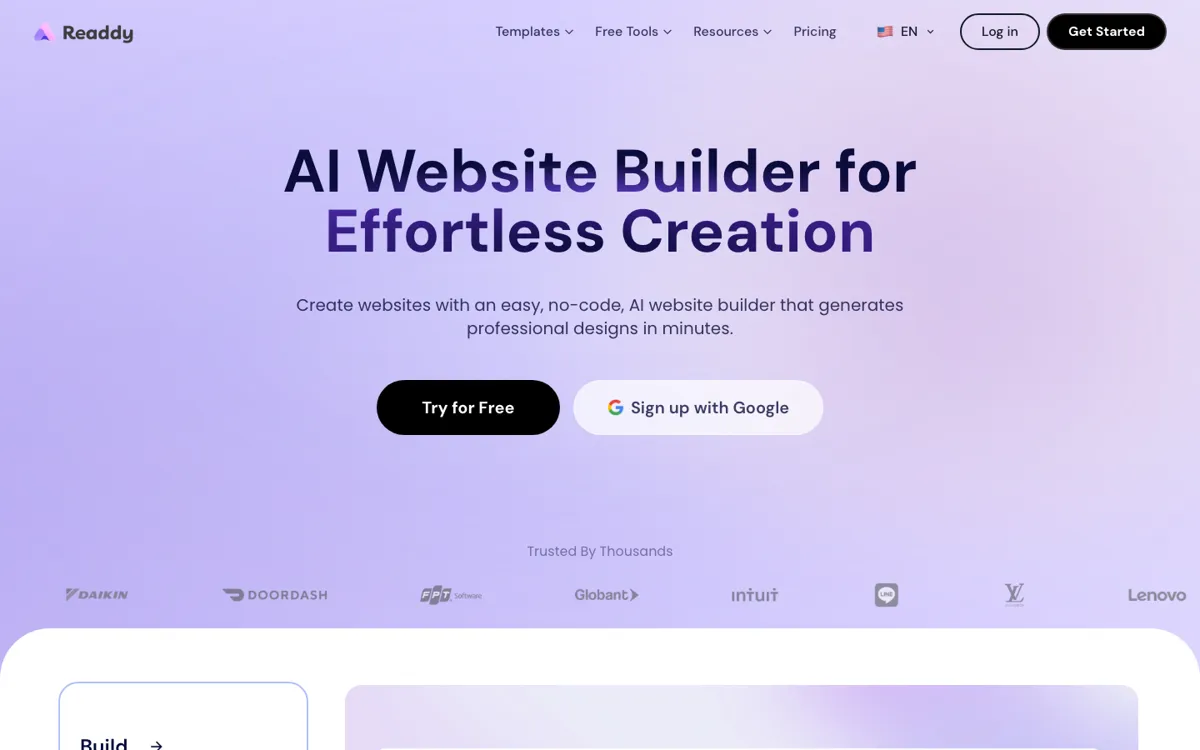
Official Website Snapshot Visit Site ↗

check_circle Pros

  • It is more practical than many UI generation tools because the product story extends beyond mockups and points toward editable front-end output.
  • The prompt-first workflow helps founders and small teams get past the blank page faster when they need a visible product direction now, not after a full manual design sprint.
  • The official pricing page is public and concrete, which makes it easier to judge the free tier and paid jump than products that hide the real limits behind signup.

cancel Cons

  • AI-generated interface speed can hide a lot of downstream cleanup, especially if the team mistakes a good-looking first pass for a product-ready design.
  • The product is strongest for early interface creation, so teams with mature design systems may find the generation layer less valuable than deeper control in their existing stack.
  • Once multiple people or heavier usage enter the picture, the paid jump matters, which makes the free entry more of a proving ground than a full operating tier.

Should you use it?

Best for: Founders, indie makers, and small product teams that want to turn an idea into a workable web or app interface draft quickly, especially when they care about getting closer to code instead of stopping at mockups.

Skip it if: Skip Readdy if your team already has a strong design system and mainly needs careful production refinement. Its speed advantage is biggest before the interface direction is settled.

Is it worth the price?

Freemium Starts at $25.00 USD

The free tier is enough to see whether Readdy actually saves you time at the start of a project. The paid jump only makes sense if you are repeatedly turning ideas into website drafts and want that speed often enough to matter, not just once for a launch week experiment.

The Free Tier

The pricing page shows a $0 entry tier, making it possible to test the core product before paying.

Paid Upgrade
Paid plans start at $25/month, with lower effective monthly pricing shown for annual billing.

Paid tiers expand usage and access beyond the free proving-ground level, with higher plans aimed at heavier repeated design generation needs.

One thing to know before you start

Use Readdy on a real feature or landing page you would otherwise delay because starting feels expensive. That is where its speed advantage becomes obvious enough to judge honestly.

What people actually use it for

Turn a product idea into a launchable-looking UI draft

A strong fit when a founder or maker knows what they want to build but does not want to spend the first stretch drawing screens by hand. Readdy helps convert that idea into a visible interface direction quickly enough to test whether the concept deserves real build time.

Bridge early UI exploration and front-end starting code

Useful when the team cares not only about how the screen looks, but also about shortening the distance to implementation. Readdy is more interesting than pure mockup tools when that handoff pressure matters from day one.

Prototype landing pages or app surfaces without a full design sprint

Good for teams that need a first version of a page or interface now, whether for pitching, testing, or internal review. The product helps produce something concrete before the work graduates into deeper refinement elsewhere.

What does Readdy actually do?

Readdy targets a common startup and maker bottleneck: the gap between having a product idea and having anything visual enough to judge. Many teams know the feature, workflow, or page they want, but the first design step still stalls because someone has to translate that idea into structure, hierarchy, and screen shape. That translation work is expensive even before production begins. Readdy steps into that gap by letting users describe what they want and move toward a generated interface instead of starting from an empty canvas.

What makes the product more interesting than a pure inspiration generator is the promise of getting closer to editable implementation output. That matters when a founder, product lead, or small team is trying to reduce not just design time, but also the time between “this seems like the right screen” and “we can start building this.” In that mode, Readdy is less about perfect originality and more about speed, structure, and momentum. A usable first pass can unlock faster decision-making than a polished but delayed custom design process.

The boundary is important. Readdy does not remove the need for design judgment, and it does not make downstream cleanup disappear. Teams with mature systems, picky brand constraints, or high production fidelity requirements will still need stronger manual control after generation. That means the product is best treated as a front-loaded accelerator. It helps when you are stuck before the first real screen exists, but it is not the whole answer once the work turns into final product craft.

What you can do with it

Generate app or website interface concepts from natural-language prompts.
Turn generated designs into editable front-end code instead of stopping at static mockups.
Start from templates when you want a faster path than prompting from zero.
Use AI to speed up early design exploration before committing to a full design pass.
Access docs and implementation guidance beyond the landing page demo flow.

Technical details

platform
Web-based AI design generator with template entry points and documentation for getting work out of the ideation phase.
deployment
Cloud SaaS with public docs, blog, and pricing pages.
api_available
No public API was confirmed from the official pages reviewed this round.

Key Questions

Is Readdy just another UI inspiration tool?
Not quite. Its value is stronger if you care about getting from prompt to something closer to editable implementation output, not only to a pretty mockup.
Who gets the most value from Readdy?
Founders, indie makers, and lean product teams get the clearest benefit because they often need usable interface drafts fast and do not want a long manual design phase before testing an idea.
Does the free tier look usable?
Yes for testing the workflow, but not as the whole long-term story. The public pricing page makes it clear there is a real paid step once usage becomes serious.