Kling AI Review

8.4/10

Generate cinematic AI video and images with Kling's consumer creation app and developer API stack.

Review updated May 2026 By The AI Way Editorial Tested 141+ tools across the site 5 min read
Kling AI API Available Image-to-Video Text-to-Image Text-to-Video Web-Based Freemium from $6.99/mo

Our Verdict

Kling is the kind of video generator you open when you want stronger visual ambition than lightweight social clip toys, but you still want a direct web app instead of a fully production-heavy studio stack. Its value is the mix of consumer-facing creation speed and a credible developer path behind it. The catch is that Kling's real cost lives in credits, plan tiers, and access lanes, so it stops feeling simple once you move from casual testing into repeat use.

Try it
Free to start, then pay when the limits stop you. Starts at $6.99 USD.
open_in_new Try Kling AI
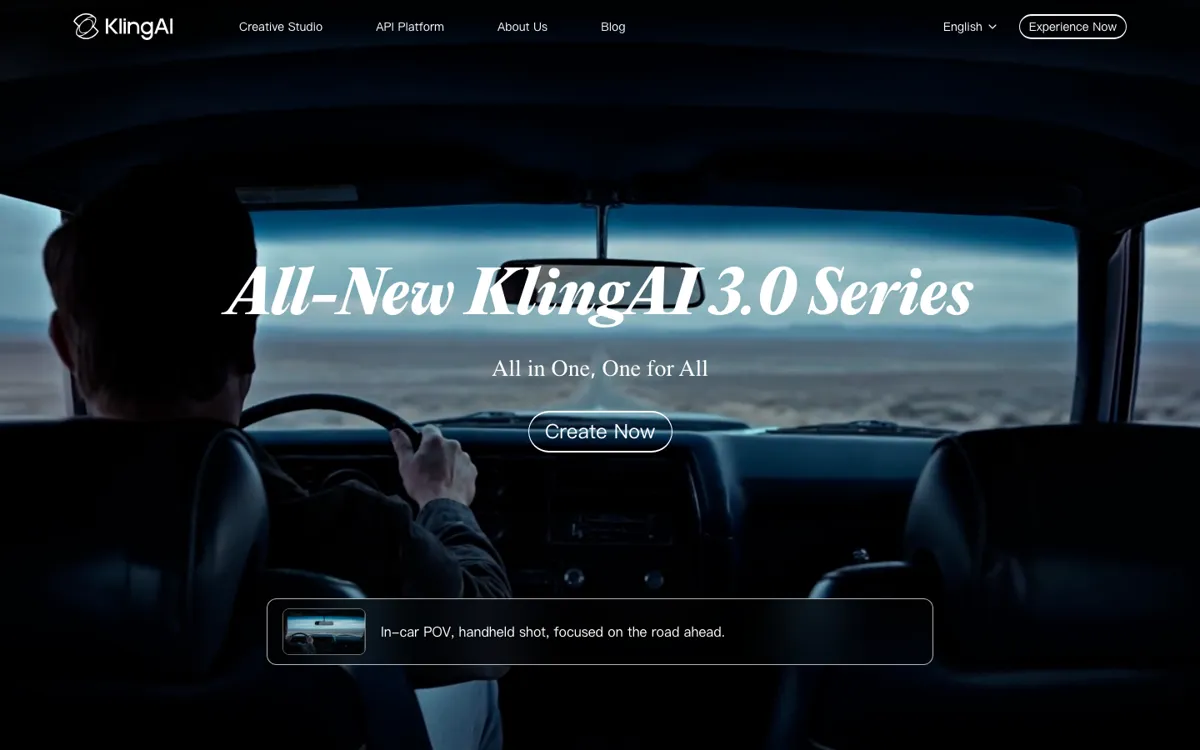
Official Website Snapshot Visit Site ↗

check_circle Pros

  • Kling covers both video and image generation, which makes it easier to keep visual exploration inside one product family.
  • The product has both app and developer surfaces, so it is more flexible than tools that only work as a browser prompt box.
  • The low paid entry tier makes it easier to test serious usage without jumping straight into high monthly spend.
  • The consumer app feels more immediate than heavier production platforms, which helps when you want to iterate quickly before locking into a workflow.

cancel Cons

  • Kling's pricing story is still credit-shaped, so cheap entry does not automatically mean cheap sustained usage.
  • The split between consumer membership logic and developer access makes the platform harder to read than a single-surface product.
  • If you need very explicit production cost planning, Kling is not as immediately transparent as the best pricing pages in this category.

Should you use it?

Best for: Generating visually ambitious AI clips or image-led motion drafts when you want a direct creation app first, but still want the option to grow into API-backed usage later.

Skip it if: Skip it if your top priority is the clearest possible pricing model or if you already know you want a more production-oriented workspace with deeper workflow tooling. Also skip it if you only need the cheapest throwaway clip generation.

Is it worth the price?

Freemium Starts at $6.99 USD

The free path and low paid entry tier are enough to tell you whether Kling's visual feel is worth chasing. But once the work becomes regular, the real question is not the sticker price. It is how quickly your credit use climbs when you want better output, more volume, or faster turnaround.

The Free Tier

Kling offers a free path, but meaningful repeated generation depends on paid credits and membership tiers.

Paid Upgrade
$6.99/month

Paid plans expand credits, faster generation priority, and access headroom beyond the basic free experience.

One thing to know before you start

Test the same idea in both the app flow and your expected production pattern before paying more. Kling can look inexpensive when you are playing, then feel very different once you start repeating the same generation task at scale.

What people actually use it for

Turn a still concept into a more polished motion draft

Kling fits when you have an image, concept frame, or visual idea and want to push it into motion without jumping straight into a heavier studio workflow. The product surfaces around image-to-video and frame-based generation matter here because the job is not just to make a random clip. It is to preserve a visual idea while adding movement. It is less useful if you only need joke clips and do not care how the shot holds together.

Prototype consumer-facing AI video workflows before building deeper tooling

If you want to see whether a visual concept works before you decide on a bigger production stack, Kling gives you a quick way to pressure test outputs in a consumer-facing app. That is useful for creators, marketers, and product teams that need to feel the model before they decide whether the work deserves deeper automation. It is less compelling if your process already depends on richer editing and production controls from day one.

Move from direct app generation into API-backed media features

Kling becomes more interesting when the workflow grows beyond manual prompting. The existence of a developer path means the product is not trapped in consumer-only usage. That makes it more relevant to teams that may start with direct creation and later want to embed generation into a product, campaign system, or internal content pipeline.

What does Kling AI actually do?

A lot of AI video tools look cheap and easy until you ask them for something that needs to feel visually intentional rather than disposable. That is where Kling stands out a bit. The public site is built around fast creation, but the product does not present itself like a throwaway novelty toy. It points people toward both video and image generation, and the redirected domain plus membership logic make it clear this is meant to be an ongoing product, not just a launch splash page. In practical terms, Kling is for people who want a visual generator that can still feel consumer-accessible while producing something more polished than a joke clip feed.

The useful part is that Kling seems to be built as both a direct-use app and a platform with a developer path. That matters because some tools are pleasant for manual prompting but dead-end the second you want to turn them into something operational. Kling at least leaves the door open. You can generate directly inside the app, work across both image and video modes, and later evaluate whether the API side is worth using. For a lot of teams, that is a better on-ramp than starting with a heavy production platform before they even know what kind of generated visual workflow they need.

The tradeoff is that Kling's affordability is easier to understand at the first paid tier than at sustained scale. The cheap monthly entry is attractive, but the real cost depends on credits, speed lanes, and how often you repeat the work. That means Kling can feel simple when you are testing and more complicated when you are budgeting. If your needs are light, that may be fine. If you already know you need repeatable output at higher volume, then the more important question is not whether Kling has a low headline price. It is whether the platform stays cost-effective once your generation pattern stops being casual.

What you can do with it

Generate AI video directly from prompts inside the Kling app.
Create AI images alongside video from the same product family.
Use app-based generation modes such as image-to-video and frame-based video creation.
Access developer-facing generation paths through Kling's API and documentation surfaces.
Upgrade through membership plans for larger credit pools and faster generation lanes.

Technical details

platform
Web app with consumer creation surface and developer/API access
deployment
Cloud
api_available
Yes

Top Alternatives to Kling AI

If Kling AI is close but still misses the job, try one of these instead.

Key Questions

Does Kling only work as a consumer web app?
No. The consumer app is the obvious front door, but Kling also exposes developer-facing documentation and pricing surfaces. That matters if you may want more than manual prompting later.
Is Kling cheap to use in practice?
It can be cheap to test, but not always cheap to scale. The low paid entry is real, yet repeated generation depends on credits and plan logic, so regular use is a different decision from casual experimentation.
When does Kling make more sense than heavier video platforms?
It makes more sense when you want a direct, consumer-friendly creation flow first and do not need the full production feel of a larger workspace right away. That is where Kling feels easier to open than some more complex rivals.
Who should skip Kling?
People who need the cleanest possible production budgeting or deeper built-in workflow tooling should look harder at alternatives. Kling is a better fit for visual generation first, cost planning second.