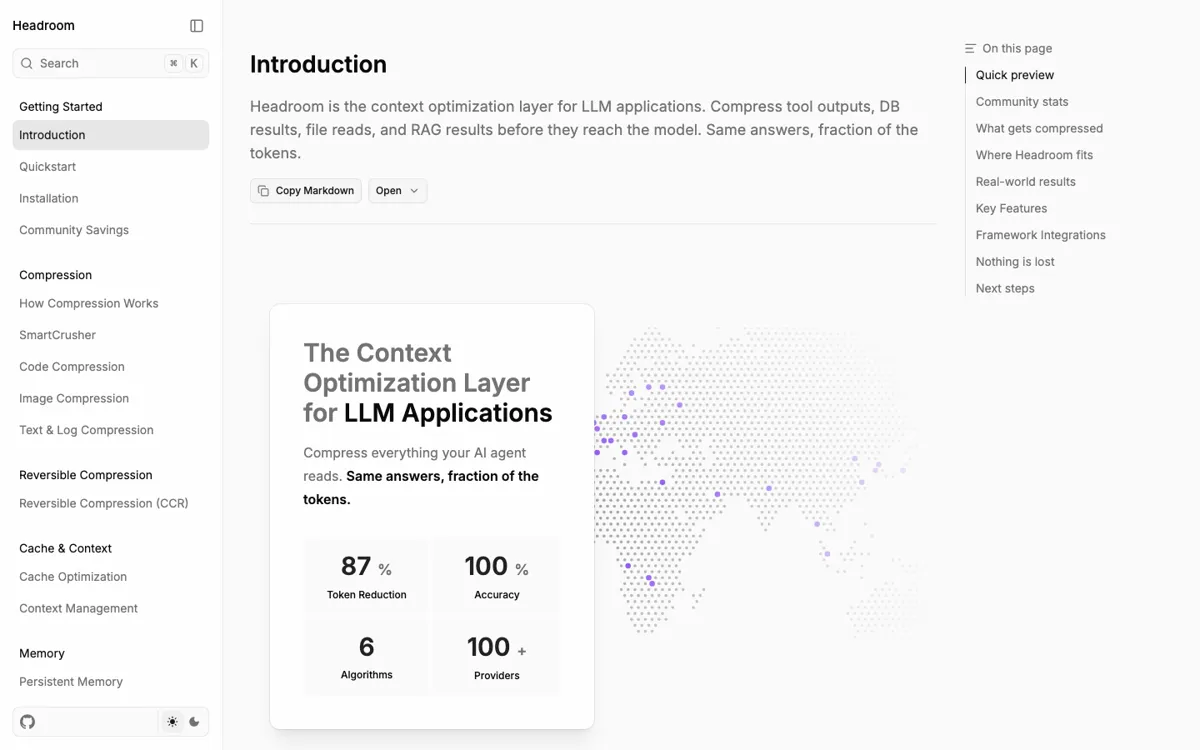
What does Headroom actually do?
Headroom lives in the messy part of an agent stack: tool output, logs, RAG retrievals, API responses, and repeated file reads that keep bloating prompts. The appeal is not just token savings. It is having several ways to wire compression in, from a Python call to a proxy or MCP tool.
The risk is plain too. This is real developer infrastructure, not a browser toy. Setup can mean Python extras, npm, Docker images, proxy variables, provider keys, and MCP configuration. GitHub issues already show install and connection edge cases, so it is smarter to test one painful workflow first than to put it in front of every model call.