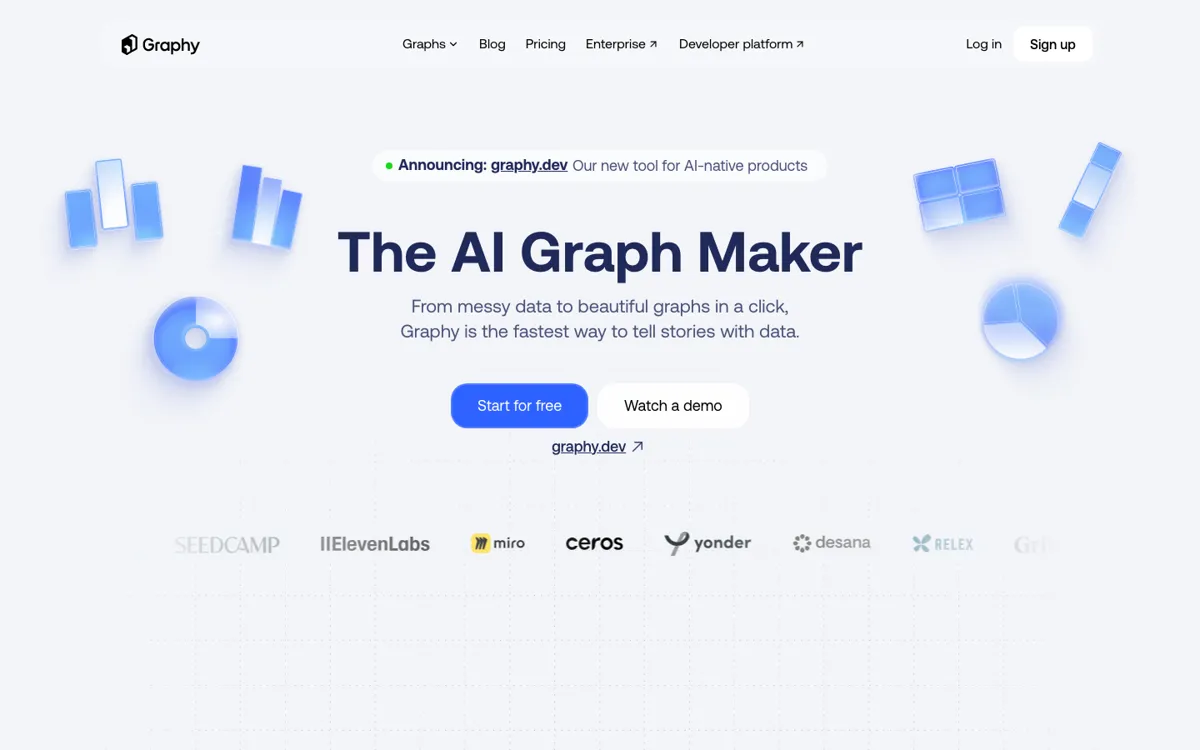
What does Graphy actually do?
Graphy is not really trying to replace heavy BI. It is trying to replace the ugly middle ground between spreadsheet output and presentable communication. Once the data exists, the next problem is usually not another dashboard. It is making the chart readable, branded, and easy to send. That is why the product leans into low-friction imports, chart generation, styling, and reuse instead of analyst-first complexity.
What gives Graphy more staying power than a basic graph generator is that presentation and distribution are treated as first-class outcomes. Paid plans add branding cleanup, repeat reporting controls, and protected sharing, while the developer side extends the product into embeddable chart experiences. That matters because a chart is usually meant to travel into a deck, doc, social post, or product surface, not stay inside the tool that created it.