DiscMeet Review

7.6/10

Capture Discord voice calls into transcripts, summaries, notes, and speaker-labeled meeting records.

Review updated May 2026 By The AI Way Editorial Tested 133+ tools across the site 5 min read
DiscMeet Meeting Notes Summarization Transcription Web-Based Freemium

Our Verdict

DiscMeet is strongest when your real meetings already happen inside Discord and you need transcripts, notes, and summaries without forcing everyone onto another platform. Its edge is not broad meeting coverage, but Discord-native fit. But if your team mostly works in Zoom, Meet, or a mixed meeting stack, DiscMeet becomes too narrow very quickly.

Try it
Free to start, then pay when the limits stop you.
open_in_new Try DiscMeet
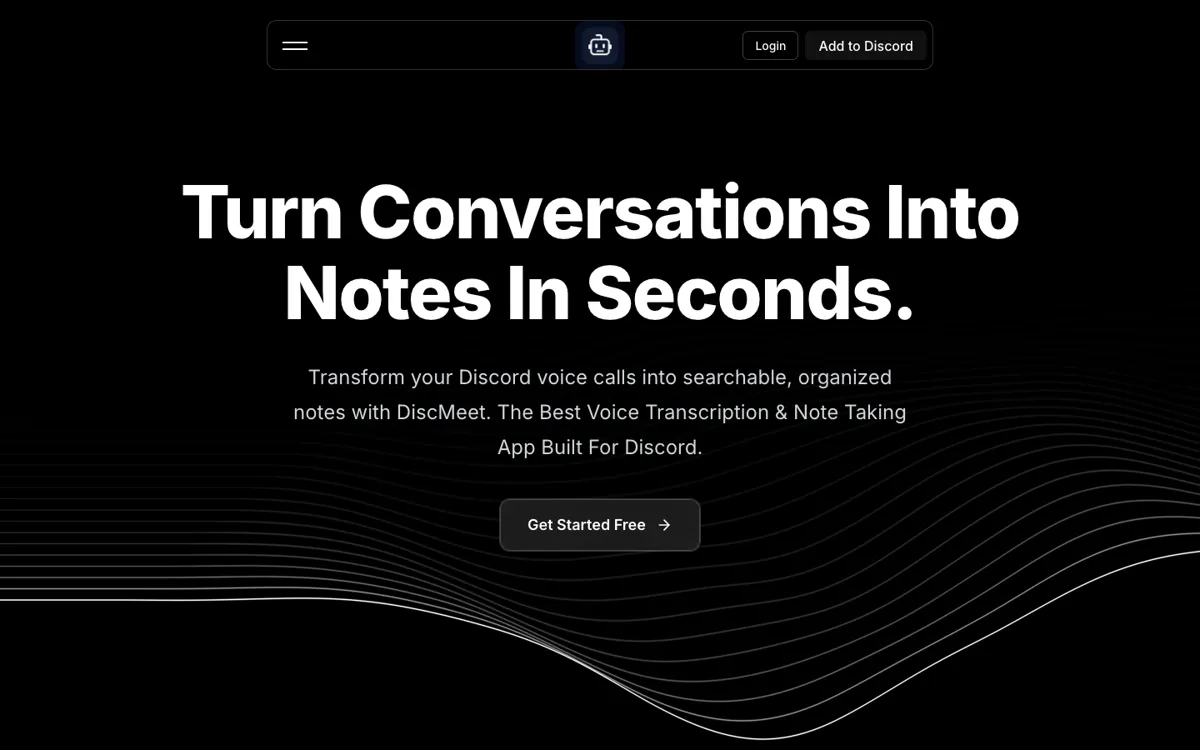
Official Website Snapshot Visit Site ↗

check_circle Pros

  • It solves a real Discord-specific note-taking gap instead of acting like every meeting environment is the same.
  • Speaker-labeled transcripts and AI summaries make voice chats easier to revisit than plain Discord call history.
  • Command-based operation keeps the workflow close to the server instead of moving users into an external meeting habit.

cancel Cons

  • The product loses most of its usefulness outside Discord because that platform focus is the whole point.
  • The homepage makes free entry clear, but the upgrade path is still less concrete from the public site than the core Discord workflow itself.
  • Teams needing deeper cross-platform meeting analysis will likely outgrow the narrow Discord scope.

Should you use it?

Best for: Best for Discord-based communities, teams, study groups, and remote collaborators who want searchable records and AI summaries from voice calls already happening inside Discord.

Skip it if: Skip this if your calls mostly happen in Zoom, Google Meet, or other meeting tools. Also skip it if you need one note-taking system that spans many call platforms instead of one Discord-native workflow.

Is it worth the price?

Freemium

The homepage makes free entry easy to understand, which is enough for testing the workflow in a real server. The bigger question is whether enough important conversation happens on Discord to justify adding a dedicated recording and summarization layer there.

The Free Tier

Homepage messaging clearly signals a free entry path, but exact free-tier usage limits were not extracted reliably enough in this run to state more without guessing.

Paid Upgrade
Contact for pricing

Paid access appears to expand the Discord note-taking and transcription workflow beyond the free entry layer.

One thing to know before you start

Test DiscMeet on one real recurring Discord call, not a fake sample session. The best signal is whether the transcript and summary are useful enough that your group actually refers back to them after the call ends.

What people actually use it for

Capture team or community voice calls in Discord without moving to another meeting tool

If your group already coordinates inside Discord, DiscMeet can add notes and transcripts without changing the environment everyone is used to. That matters when switching platforms would add friction or kill participation. The benefit is much weaker if Discord is only a side chat and the real meetings already happen elsewhere.

Turn study sessions or group discussions into searchable notes and summaries

Discord is popular for study groups, communities, and remote collaboration, but voice chats are easy to lose once they end. DiscMeet is useful when the point is not only to talk, but to keep searchable records that help people revisit what was decided or explained later. It is less compelling if the discussion is disposable and never needs to be referenced again.

Keep speaker-labeled records of recurring server meetings

Some teams and communities use Discord as their operating room, not just as a social layer. In that case, speaker-labeled transcripts and AI summaries can replace messy manual note-taking. The value drops if a group rarely holds structured calls or does not care about searchable meeting history.

What does DiscMeet actually do?

A lot of meeting note tools assume the meeting itself happens in a formal business platform. That misses a growing chunk of real collaboration, because many teams, communities, and study groups already live in Discord voice. The problem is not getting people into a call. The problem is that once the call ends, the decisions and useful explanations vanish unless someone wrote notes manually. DiscMeet is built around that exact gap. The official site makes it clear that this is not a broad meeting AI trying to be everywhere. It is a Discord-native note and transcription tool first.

That focus is what makes the product practical. Instead of spreading across every call platform, DiscMeet leans into Discord-specific behavior with commands, transcripts, summaries, and searchable records tied to the server workflow. For groups already coordinating there, that can be more valuable than another general meeting assistant because it removes the need to move habits elsewhere. Speaker labeling and AI summaries also matter here because Discord calls often blur into fast-moving group discussions where manual note capture is both annoying and incomplete.

The limitation is obvious and important. If your meaningful calls do not happen on Discord, the product has very little leverage. Even for Discord-heavy groups, the value depends on whether people actually need searchable history or just casual voice chat. Public pricing was also not exposed cleanly enough in this run to support a confident paid entry number, which limits outside evaluation. So DiscMeet looks strongest when Discord voice is already central to work or community coordination, not when someone just wants a universal meeting AI.

What you can do with it

Join Discord voice calls and capture speaker-labeled transcripts automatically.
Generate AI summaries and meeting notes from recorded Discord conversations.
Use simple in-server commands to start and stop call recording workflows.
Keep searchable records of voice discussions inside a Discord-centered workflow.

Technical details

platform
Discord bot plus web dashboard
deployment
Cloud service
api_available

Top Alternatives to DiscMeet

If DiscMeet is close but still misses the job, try one of these instead.

Key Questions

Is DiscMeet a general meeting note tool?
Not really. The official site frames it specifically around Discord voice calls, so its main value comes from fitting Discord-native workflows rather than trying to cover every meeting platform equally.
Who gets the most value from DiscMeet?
Teams, communities, and study groups that already hold important voice conversations in Discord get the clearest value. It matters most when those discussions need transcripts, searchable notes, or AI summaries afterward.
When is DiscMeet the wrong tool to open?
It is the wrong fit when your calls mainly happen in Zoom, Google Meet, or another meeting platform. In that case, a Discord-native tool solves the wrong problem.
Why use DiscMeet instead of taking notes manually in Discord?
Because voice discussions move fast and manual note-taking usually misses context. DiscMeet is built to capture the conversation itself, label speakers, and create summaries that are easier to revisit than scattered human notes.