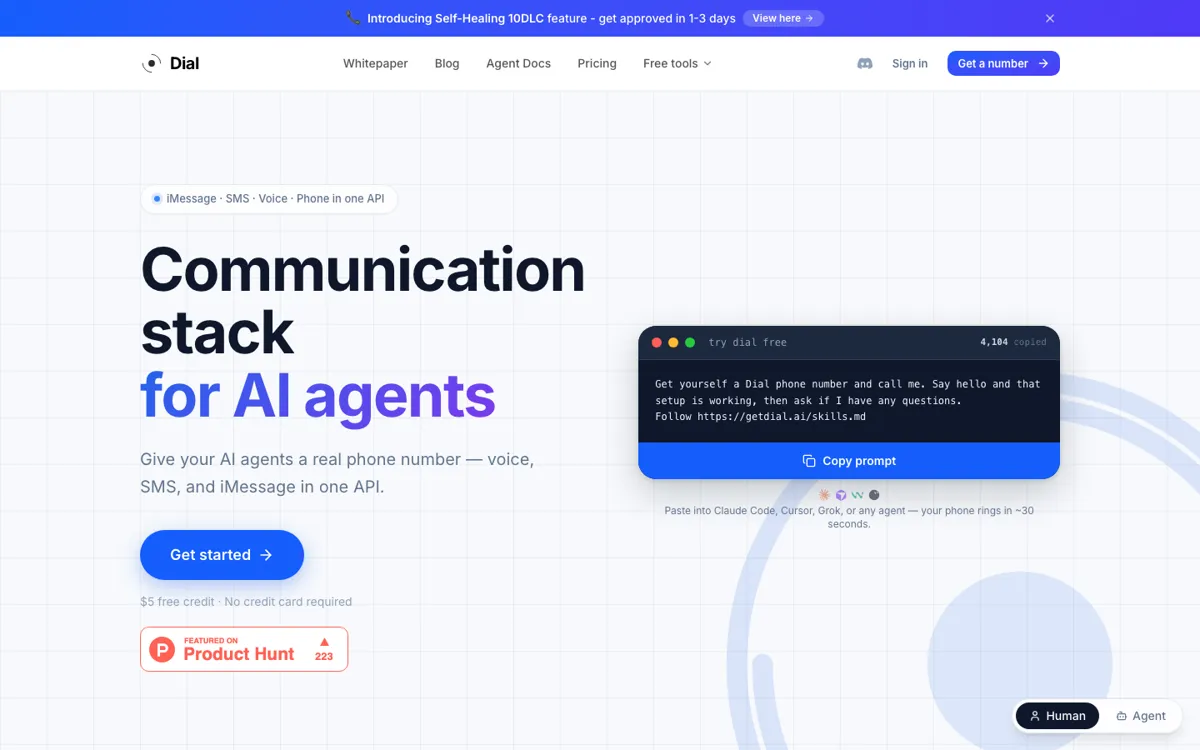
Dial Review

8.7/10

Give an AI agent a phone number for calls, SMS, and iMessage through one API.

Review updated September 2026 By The AI Way Editorial 3 min read
Dial AI Agents API Available No Credit Card Required Voice Agent Freemium from USD 3.00/mo

Our Verdict

Dial fits agents that need a real phone number fast without building telecom plumbing from scratch. Calling, texting, and receiving replies become much more direct than stitching vendors together. The bill can climb quickly once numbers stay live and iMessage enters the mix.

Official site
A free plan is listed; verify current limits before upgrading. Starts at USD 3.00.
open_in_new Try Dial
Official Website Snapshot Visit Site ↗

check_circle Pros

  • One API covers phone numbers, voice, SMS, and iMessage for agents.
  • Self-hosted and managed call modes give a real control-versus-convenience choice.
  • The setup path is unusually short for MCP and coding-agent users.

cancel Cons

  • Usage billing starts fast across monthly numbers, minutes, and message volume.
  • An iMessage-enabled number costs far more than a basic voice and SMS line.
  • Chat, email, or one-way alerts do not need this much telecom plumbing.

Should you use it?

agents that must call, text, and iMessage from a real phone number

Skip it if: chat widgets, email, or one-way notifications already cover the job

Is it worth the price?

Freemium Starts at USD 3.00

The $5 credit is enough to test setup, not enough to ignore the bill. Real costs show up when agents keep numbers live, place calls often, or need iMessage-enabled lines.

The Free Tier

$5 free credit, no card.

Paid Upgrade
$3/number/month

Real number with voice, SMS, and webhook support

One thing to know before you start

Teams with an existing model stack usually see the self-hosted voice savings after the first few call tests.

What people actually use it for

Agent phone setup

An agent gets a real number for setup checks, outbound calls, and inbound replies instead of living inside a web dashboard.

Outbound voice calls

The agent can place calls, follow instructions, and send transcripts or events back through a webhook or SDK stream.

Global SMS operations

One phone layer handles two-way SMS across many countries without stitching separate number and messaging vendors together.

What does Dial actually do?

Dial is built around one missing piece many agents still do not have: a real phone number. Instead of wiring another chatbot surface, you give the agent a calling and messaging identity that works across voice, SMS, and iMessage from one number.

The real buying question is usage, not setup. Dial is easy to start, but it gets expensive when many agents keep numbers warm, place lots of calls, or sit on iMessage-enabled lines.

What you can do with it

Provision real phone numbers for AI agents through one API.
Handle voice calls, SMS, and iMessage on the same number.
Choose self-hosted or managed call handling for voice agents.
Send all call and message events into one webhook format.
Connect through REST API, SDKs, MCP, or CLI-style setup.

Technical details

channels
Voice, SMS, and iMessage on one number
voice_modes
Self-hosted WebSocket or managed calls
sms_coverage
Regional messaging across 200+ countries
webhook_model
Unified webhook for calls, SMS, and iMessage
integration_modes
REST API, SDKs, MCP, and setup prompt

Key Questions

What channels does Dial support?
It supports voice calls, two-way SMS, and iMessage with automatic RCS or SMS fallback.
How much free usage do you get?
Every account starts with $5 in free credit and no credit card, which is enough to test setup before real usage starts.
What is the cheapest paid line item?
Basic phone numbers start at $3 per month, then calls and messages are billed on top.
What is the difference between managed and self-hosted calls?
Self-hosted calls use your own LLM over WebSocket at a lower per-minute rate, while managed calls let Dial host the model path for you.