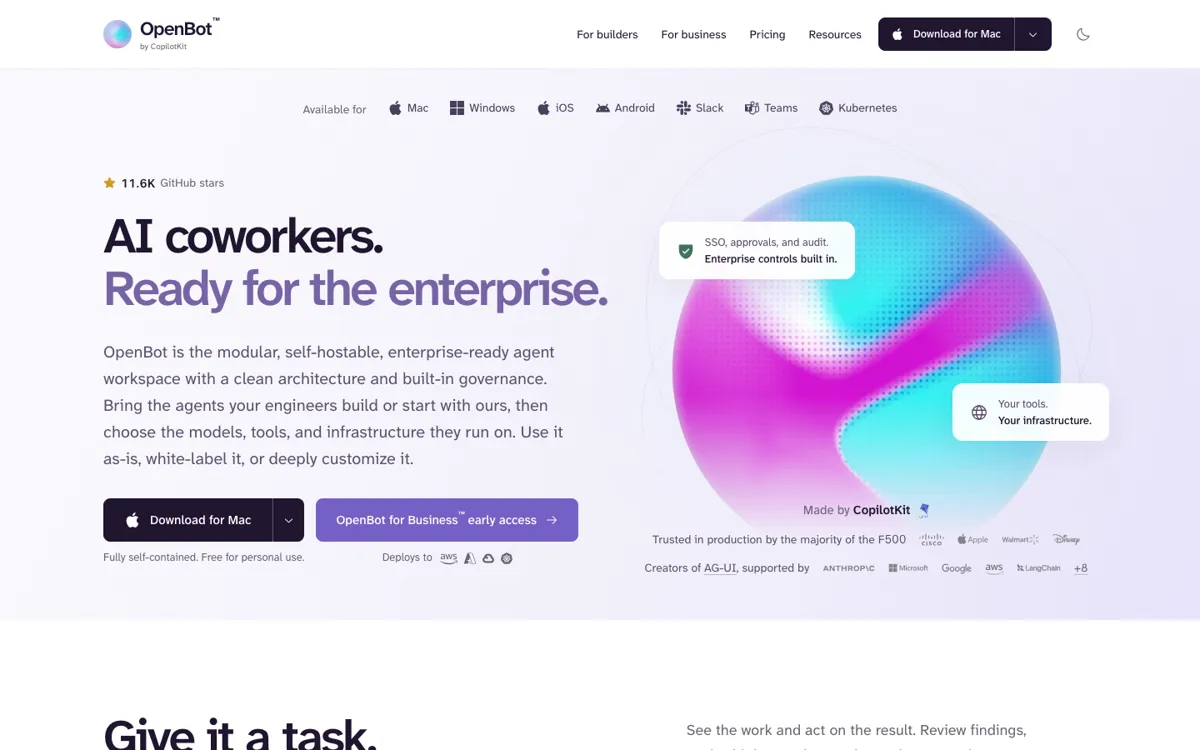
OpenBot Review

★7.3/10

Run your AI agents in one workspace and approve sensitive actions before they happen.

Review updated November 2026 • By The AI Way Editorial • 3 min read
CopilotKit AI Agents BYO Key Open Source Self-Hosted Freemium

Our Verdict

Choose OpenBot if your team has built agents but cannot let them act in company tools without a person checking the risky steps. It is not a quick plug-in assistant: someone must connect the agents and set the access rules.

Official site
A free plan is listed; verify current limits before upgrading.
open_in_new Try OpenBot
Official Website Snapshot Visit Site ↗

check_circle Pros

  • ✓Keep your existing agent’s prompts and tools instead of rebuilding them for an employee-facing chat.

cancel Cons

  • ✕The MIT app is not a free team rollout: its required Intelligence service has separate license terms.
  • ✕Local source setup on macOS asks for Docker with 4 CPUs, 12 GiB RAM, and 40 GiB storage.

Should you use it?

teams letting staff use existing AG-UI agents while reviewing sensitive tool actions

Skip it if: you want an out-of-the-box company assistant and have no engineers to connect agents or manage permissions

Is it worth the price?

Freemium

Do not budget this like a flat per-seat subscription. The user bill sits beside your model and hosting costs, and heavy model usage triggers an extra charge.

The Free Tier

Personal development and experimentation only; model provider usage billed separately

Paid Upgrade

Company deployment, connected tools, and standard support

One thing to know before you start

Give the first Bot only the tools it needs; require approval for writes, then inspect its audit trail before adding access.

What people actually use it for

Shared support triage

Let an agent sort incoming tickets, but have a person approve its proposed Slack post or ticket changes before they go out.

What does OpenBot actually do?

Give a Bot a task and follow what it does in the same conversation. OpenBot offers a Mac and Windows desktop app; a company can also connect agents it already runs. The desktop workspace stores its data on your laptop, but a Bot still sends task data to any external model or tool it calls.

What you can do with it

Connect a custom agent by entering its AG-UI endpoint
Block a tool action or send it for approval
Trace what each Bot accessed and changed

Technical details

business_deployment
Kubernetes Helm on EKS, AKS, GKE, or another cluster