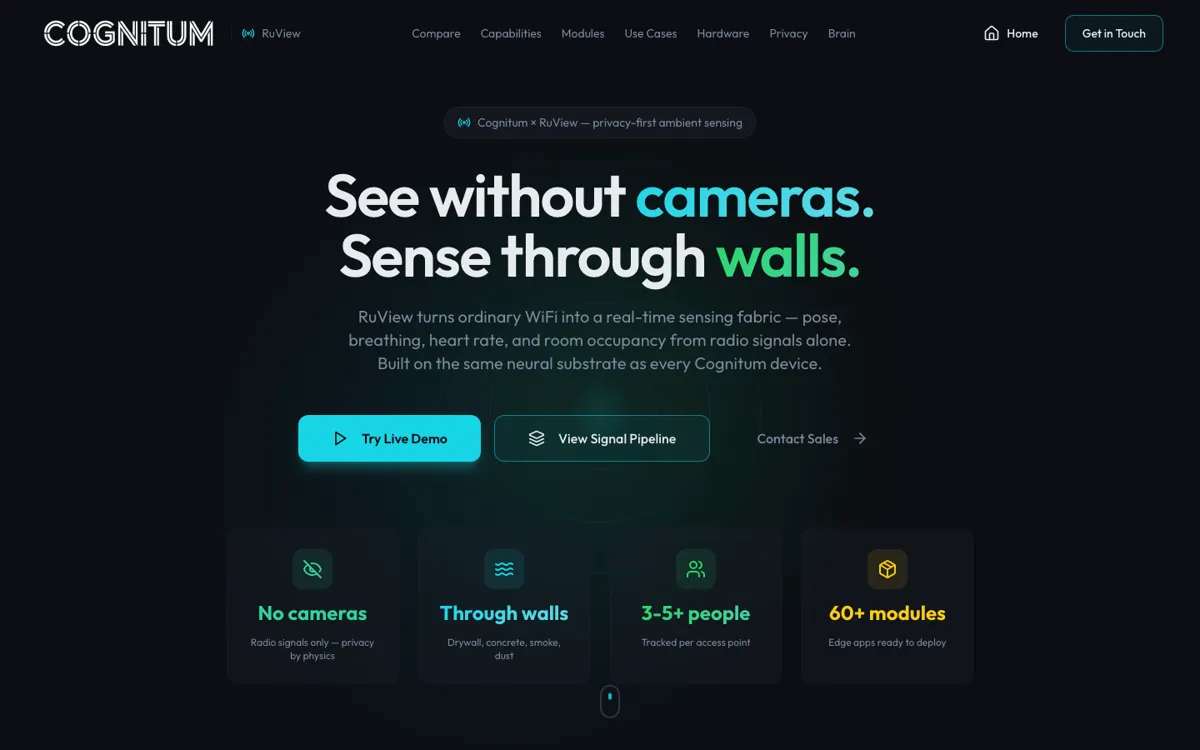
What does RuView actually do?
RuView matters when a room needs awareness but should not become a camera zone. Think of a care room where video feels invasive, an industrial area where visibility gets compromised, or a wall-separated zone where line of sight is the wrong assumption. In those spaces, cameras and wearables both introduce their own failure modes, which is why radio sensing is not just a gimmick here.
The harder question is not whether RuView can demo presence sensing. It is whether you want WiFi sensing in your building or safety stack at all. That can be a smart move for operators already comfortable with edge hardware and automation systems. It is a poor fit for teams that really want a polished SaaS workflow with obvious setup, clean review screens, and low deployment friction.