Clipto Review

8.4/10

Search local video, audio, meetings, and files by describing the moment you need.

Review updated June 2026 By The AI Way Editorial Tested 298+ tools across the site 5 min read
Clipto AI Search Auto Subtitles Mac App Privacy Focused Transcription Video Editing Paid from $8.99/mo

Our Verdict

Clipto is worth trying if the archive itself is the bottleneck: years of video, audio, meetings, or client footage that nobody can search without wasting hours. Its best angle is local multimodal search, not generic transcription. The hard cost is hardware and first-scan time, so it fits Apple Silicon creators with large private libraries much better than casual users with a few clips.

Try it
Paid product. Starts at $8.99 USD.
open_in_new Visit Clipto
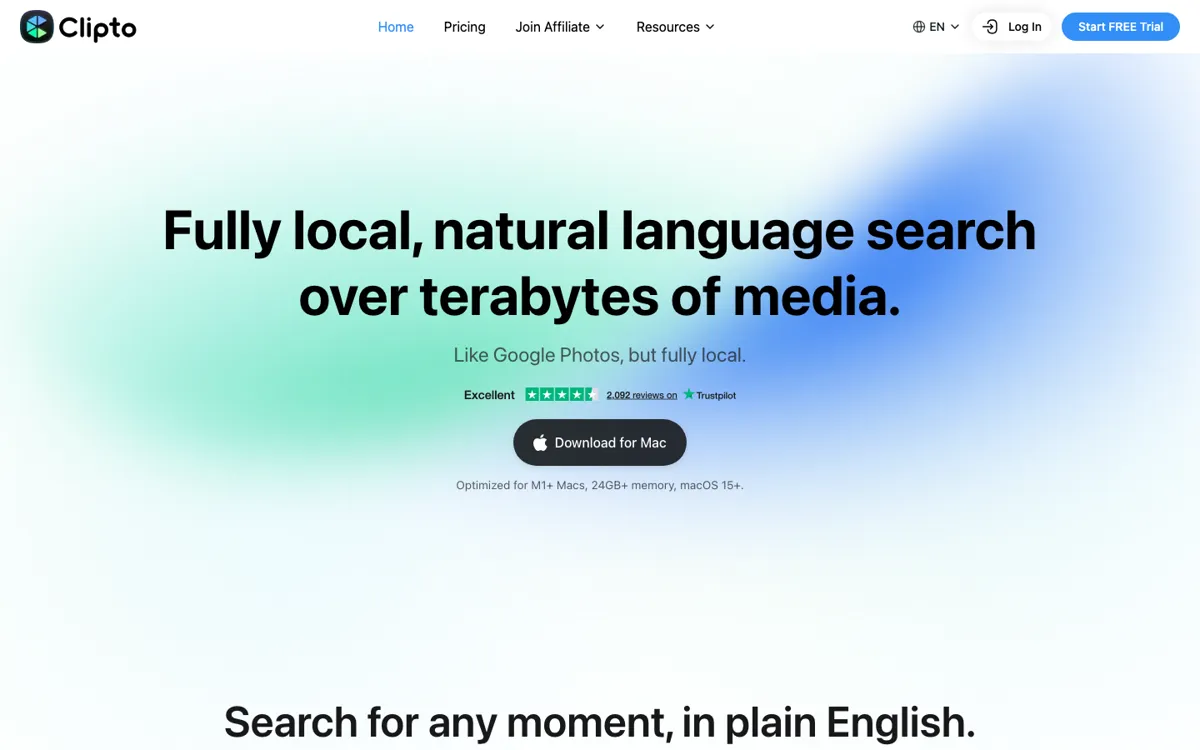
Official Website Snapshot Visit Site ↗

check_circle Pros

  • Natural-language search covers visual moments and spoken dialogue, so users are not limited to transcript keywords.
  • Local processing gives editors and creators a stronger privacy story for unreleased footage than cloud-first media search tools.
  • The product names the real production pain: finding a shot, speaker, action, or scene inside messy drives without manually logging everything first.
  • Pricing is public and specific, including monthly, yearly, first-month discount, 7-day trial, and the main Pro limits.

cancel Cons

  • The Mac requirement is heavy: Apple Silicon, macOS 15+, and 24GB or more memory.
  • There is no permanent free plan, only a 7-day Premium trial before paid billing.
  • Large-library setup is the obvious risk; public PH questions repeatedly asked about background performance, incremental updates, and multi-terabyte backfills.
  • Team workflows are less clear than solo search, especially sharing an index across multiple editors.

Should you use it?

Best for: Best for video editors, photographers, agencies, filmmakers, and content teams searching large private media archives for exact clips, spoken moments, scenes, or people without uploading raw files.

Skip it if: Skip it if you need a browser transcription tool, a Windows app, a lightweight phone-first media organizer, or a team knowledge base where multiple people can search the same cloud index without local setup.

Is it worth the price?

Paid Starts at $8.99 USD

The trial is useful for testing whether Clipto can handle your real archive, but it is not a free-plan product. Solo creators who search footage every week can justify the yearly plan faster than teams that only need occasional transcripts. If the first scan slows your Mac or cannot handle your codecs, the paid plan will not fix the core blocker.

Paid Upgrade
$8.99/month billed yearly, or $24.99/month after a discounted first month

Pro includes unlimited video and audio search, automatic speech transcription, people tagging, 99+ languages, videos up to 6 hours long, and advanced models.

One thing to know before you start

Do the trial on the messiest folder you actually avoid searching, not on a clean demo set. A good test is one specific person, line of dialogue, and visual scene across old footage, then watch how long the first scan takes before judging the search result.

What people actually use it for

Finding one shot inside years of client footage

A video editor can point Clipto at old project folders, then search for a person, action, place, or spoken line instead of opening timelines and scrubbing manually. This is strongest when the archive is large enough that filenames and folder names stopped being useful months ago.

Turning field recordings into searchable working material

A filmmaker, journalist, or photographer working offline can index video and audio on a Mac, then search the archive while traveling or working somewhere with poor internet. The privacy value is real when unreleased footage cannot be uploaded to a hosted transcription or media search service.

Building a rough media library before editing starts

An agency can use auto-tagging and local transcription to get most of a large shoot organized before a human editor refines the selects. It will not remove editorial judgment, but it can reduce the first-pass logging work that usually blocks the creative part.

What does Clipto actually do?

The sharpest reason to care about Clipto is not that it transcribes media. Plenty of tools do that. The harder job is searching across raw media that was never labeled well in the first place. Clipto indexes people, actions, dialogue, scenes, and spoken words, then lets a user search for the moment in plain English. That matters when a creator remembers the shot but not the file name, or when an agency needs a client clip buried across drives. The product is trying to replace the ugly first pass of opening folders, watching thumbnails, scrubbing timelines, and hoping someone named the file properly.

The local-first design changes the buying decision. For unreleased videos, interviews, client work, or field recordings, uploading everything to a cloud AI service is often the part that kills adoption. Clipto keeps processing on the Mac and says files can stay where they already live, including local folders, NAS, Dropbox, and Google Drive. That makes the app more credible for media teams that care about privacy and offline access. It also explains the hardware requirement: the product recommends Apple Silicon Macs with 24GB or more memory and macOS 15+, because the machine has to carry the media scan and model work.

The commercial question is whether your archive is painful enough to pay for a local search layer. Clipto Pro lists unlimited video and audio search, speech transcription, people tagging, 99+ languages, videos up to 6 hours long, and advanced models. The plan table gives enough to run the math: a 7-day free trial, then either a discounted first monthly charge or a yearly plan. Treat that trial as a stress test. The most important evidence is not whether a tiny demo folder searches well; it is whether Clipto can index your real footage without blocking the Mac you need for editing.

What you can do with it

Search local video, audio, meetings, and files with natural-language queries instead of filenames or manual labels.
Jump to exact moments by person, action, dialogue, place, object, scene, or spoken phrase.
Auto-tag media so large folders become searchable without hand-naming every clip.
Transcribe video and audio locally with speaker identification, timestamps, subtitles, summaries, and translation.
Keep files on the device or existing storage locations including local folders, NAS, Dropbox, and Google Drive.
Work offline because processing runs locally rather than requiring cloud upload.
Use a Premiere Pro integration, with DaVinci Resolve and Final Cut Pro support listed as coming.

Technical details

platform
Mac app optimized for Apple Silicon/M1+, macOS 15+, and 24GB+ memory; iOS download also available
deployment
On-device AI for media search; files can stay in local folders, NAS, Dropbox, or Google Drive
api_available

Top Alternatives to Clipto

If Clipto is close but still misses the job, try one of these instead.

Key Questions

Does Clipto upload my media to the cloud?
No. The local Mac app is the privacy case here: media analysis runs on-device instead of as a hosted upload-and-search service.
What Mac does Clipto need?
Plan around a recent Apple Silicon Mac with enough memory for heavy media analysis. Treat the hardware requirement as real if you plan to scan large video libraries.
Is Clipto free?
No. The public offer is a 7-day free trial, then paid Pro billing.
What kinds of moments can Clipto search for?
It can search for people, actions, dialogue, spoken words, places, objects, and scenes, then point to the matching moment in the media. That makes it more relevant to footage libraries than a plain transcript search box.