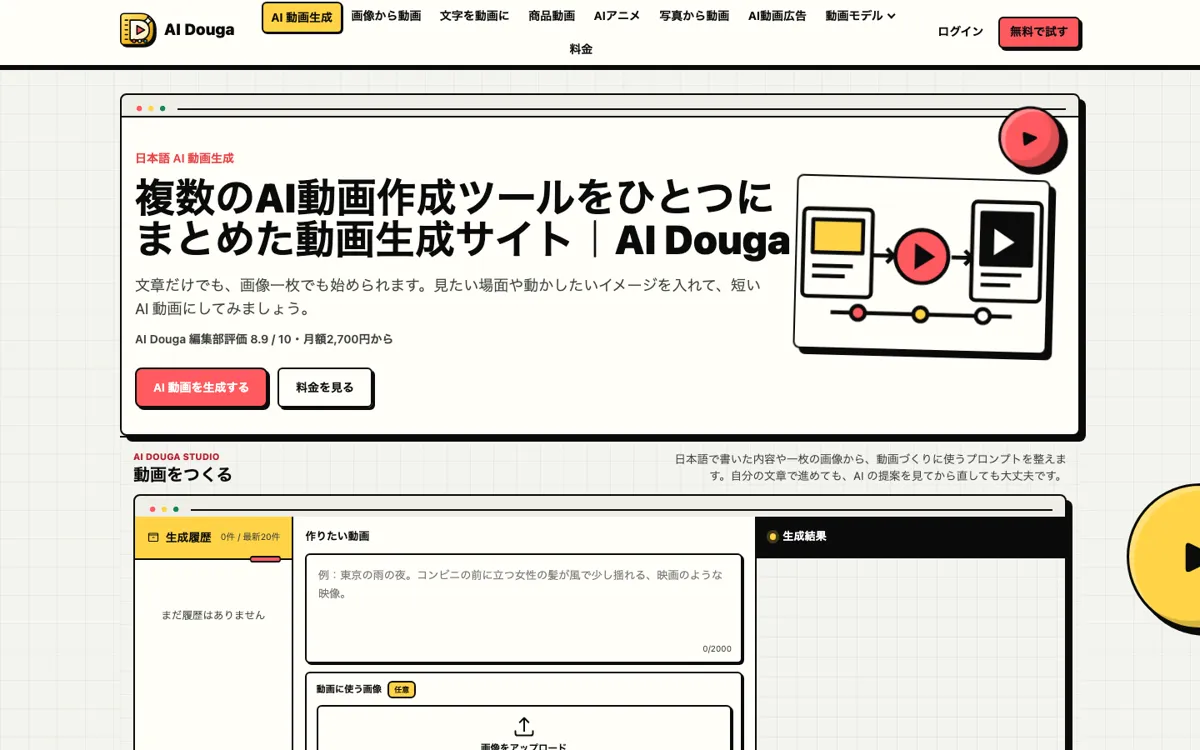
What does AI Douga actually do?
The real advantage is not just text-to-video or image-to-video. It is being able to rough out ideas on Wan, then move only the keepers to pricier models like Runway, Veo, or Kling.
Turn Japanese text or one image into short AI video clips.
AI Douga makes more sense when you want to compare several video models without spreading credits across multiple accounts. It feels strongest for short scenes. Once the work turns into a full multi-shot piece, another editor still has to finish it.
Japanese users testing multiple video models for short ads, concept clips, and motion drafts
Skip it if: you need long-form editing, timeline assembly, or rollover on unused monthly credits
The free credits are enough to see how the workflow feels, but not enough to judge the full model lineup. The paid plans start looking better when cheap drafts and premium renders both happen in the same month.
20 signup credits expire after 24 hours.
Monthly credits plus access to all 8 models.
Wan is the safer place to test motion first. Save the pricier models for the shots you already know you want to keep.
Running the same idea through Wan, Seedance, Runway, or Veo makes it easier to spot which shots deserve expensive credits and which ones do not.
A still product photo can become a quick ad test here without bouncing between one tool for prompting, another for model choice, and another for cost checks.
A plain Japanese sentence is usually enough to get started. The prompt helper fills in motion and camera wording, and the final draft is still editable before generation.
The real advantage is not just text-to-video or image-to-video. It is being able to rough out ideas on Wan, then move only the keepers to pricier models like Runway, Veo, or Kling.
If AI Douga is close but still misses the job, try one of these instead.