Wandesk Review

7.9/10

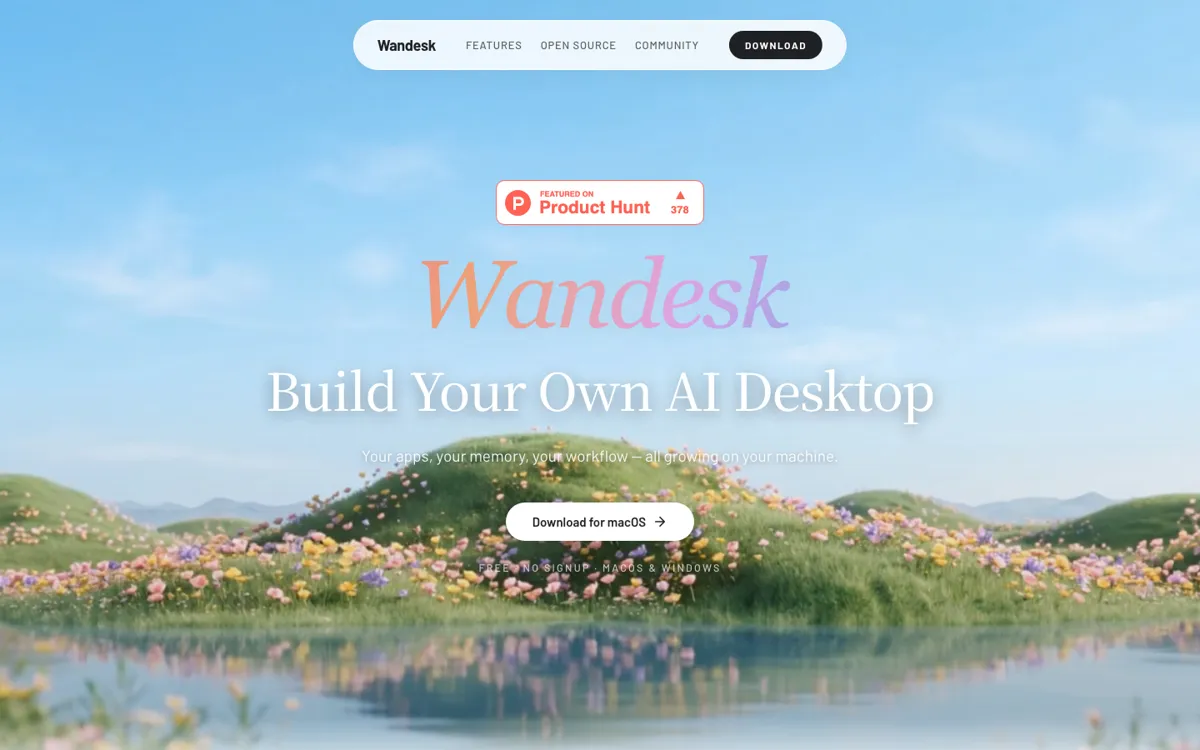
Build local AI desktop apps by describing what you need.

Review updated May 2026 By The AI Way Editorial Tested 289+ tools across the site 5 min read
Wandesk AI Agents BYO Key Mac App Open Source Windows App Workflow Builder Free

Read this first

Do not put sensitive desktop data into Wandesk until you understand which model provider receives which prompts and context. Local storage lowers cloud lock-in, but AI calls can still leave the machine when a third-party provider is connected.

Our Verdict

Wandesk is strongest for people who want AI-generated utilities to live on their own desktop instead of inside a chat log. The draw is local app generation plus shared memory, not a long list of templates. The cost is early-product uncertainty: users must be comfortable with BYO model keys, local data responsibility, and generated code that may need inspection.

Try it
Free to start.
open_in_new Try Wandesk
Official Website Snapshot Visit Site ↗

check_circle Pros

  • Turns a plain-language app request into a local app with UI, backend, and SQLite storage instead of only returning instructions.
  • Keeps notes, ledger entries, memory, and generated apps in separate surfaces, so useful state is not buried in a chat scroll.
  • Uses a free, no-signup desktop model and lets users plug in the model access they already pay for.
  • Fits coding-agent users because Claude Code and Codex can appear as desktop apps when their CLIs are installed.

cancel Cons

  • Generated apps are local and early-stage, so deployability, sharing, and long-term code maintainability are still open questions.
  • Shared memory across apps raises real scoping questions when work, personal, and project context sit in the same desktop.
  • The product depends on third-party model providers for real AI calls unless the included trial credits are enough.
  • No automatic cloud sync or remote backup means users carry responsibility for local workspace backups.

Should you use it?

Best for: Building personal desktop utilities such as budget ledgers, launch checklists, reading lists, note summaries, and coding-agent control panels that should keep state locally.

Skip it if: Skip it if you need hosted deployment, team permissions, mobile access, audited enterprise controls, or a finished no-code app builder that hands you production-ready apps.

Is it worth the price?

Free

The desktop app is free, so the real cost is model access and maintenance time. It is a good free try if you already have Claude, OpenAI, DeepSeek, Kimi, Qwen, Gemini, or another compatible model key. You should stop treating it as free once generated apps become important enough that backups, code review, and provider bills matter.

The Free Tier

One thing to know before you start

Start with one low-risk app, such as a grocery calculator, reading list, or launch checklist, before giving Wandesk access to work files. Then inspect the generated app and memory entries before trying anything that touches private projects.

What people actually use it for

Build a personal ledger that remembers categories

Describe a spending tracker, let Wandesk generate the local app, then log expenses into a ledger instead of a spreadsheet. The useful test is whether auto-tags and monthly summaries save enough cleanup time without mixing budget context into unrelated apps.

Turn a launch checklist into a desktop app

Use it for a 12-week launch checklist where each task needs status, notes, and overdue reminders. This is a better first project than a public SaaS clone because local state, not public deployment, is the product's current strength.

Run coding agents beside project context

If Claude Code or Codex is already installed, Wandesk can surface them beside notes, memory, and generated helper apps. That makes sense for local repo work where switching windows and copying context are the main sources of friction.

Package repeated prompts into reusable skills

For recurring routines, turn the instruction into a Wandesk Skill and call it from the desktop. This is most useful for personal habits and project rituals that repeat often enough to deserve a button.

What does Wandesk actually do?

Wandesk's best idea is that a useful AI answer often should become a small app, not another message in a chat. The App Workshop takes a feature request and generates a local app with React UI, backend API, and SQLite storage. That matters for tasks like ledgers, checklists, reading lists, and invoice helpers because those tasks need fields, saved state, and repeated edits. A normal chatbot can describe the tool; Wandesk tries to give the tool a place to live on the desktop.

Local storage is not just a privacy slogan here; it changes who carries the risk. Wandesk keeps conversations, apps, tasks, memory, and file-related data in a local workspace by default, and the current desktop release does not include automatic cloud sync or remote backup. That helps users who do not want a cloud account holding every generated app, but it also means a lost machine or deleted workspace can matter. The cloud still enters the loop when a connected model provider receives prompts, context, and request payloads.

The early public reaction points to the right test cases. Product Hunt users liked the no-signup desktop download and immediately named small app ideas such as a grocery calculator and a launch checklist. The harder questions were about contradictory context, memory scoping, desktop guardrails, generated code quality, and whether apps can be deployed or shared. Those questions are not minor polish issues. They decide whether Wandesk is only fun for local experiments or dependable enough for app ideas that touch real files and recurring work.

What you can do with it

Describe a small app and generate a local React UI, backend API, and SQLite storage in one pass.
Run chat, notebook, ledger, memory, and generated apps side by side instead of keeping everything in one thread.
Use shared context so a notebook or ledger can refer to the conversation you just had.
Store conversations, apps, tasks, memory, and file-related data in a local workspace by default.
Connect Claude, OpenAI, DeepSeek, Kimi, Qwen, Gemini, or other OpenAI-compatible model endpoints.
Open Claude Code and Codex inside the desktop when their CLIs are installed.
Download macOS and Windows builds without an account.

Technical details

platform
macOS and Windows desktop app; source build requires Git, Node.js 22.5+, npm install, npm run dev, then localhost:9502.
deployment
Local-first desktop app: generated apps use React UI, backend API, and SQLite storage on the user's machine; current desktop release has no automatic cloud sync or remote backup.
api_available
No standalone public API found; connects to Claude Code/Codex CLI and OpenAI-compatible model endpoints through user-provided model access.

Top Alternatives to Wandesk

If Wandesk is close but still misses the job, try one of these instead.

Key Questions

Is Wandesk free?
Yes. The desktop app is presented as free, with no signup, no subscription, no ads, trial model credits, and the option to plug in your own API key.
Where does Wandesk store my data?
By default, conversations, apps, tasks, memory, and file-related data live in a local workspace on your machine. The current desktop release does not include automatic cloud sync or remote backup.
Can Wandesk use Claude Code or Codex?
Yes, if the relevant CLI is installed. Wandesk can surface Claude Code and Codex as desktop apps, so they can sit beside notes, memory, and local generated apps.
Can Wandesk build apps without coding?
Yes for local app generation. You describe the app, and Wandesk can generate a React UI, backend API, and SQLite storage, but production deployment and code maintainability still need separate judgment.