Typeless Review

7.6/10

AI voice dictation for fast, accurate input across daily apps and workflows.

Review updated May 2026 By The AI Way Editorial Tested 262+ tools across the site 5 min read
Typeless Mac App Transcription Voice AI Web-Based Windows App Writing Assistant Freemium

Our Verdict

Typeless is interesting when typing is the bottleneck, not thinking. Its case is strongest for people who already know they would use voice more if the output were accurate enough and the correction loop did not slow them down. The risk is simple: voice input tools only earn a place in daily work if they feel dependable under pressure, because even small mistakes get amplified when the product is supposed to be your default input layer.

Try it
Free to start, then pay when the limits stop you.
open_in_new Try Typeless
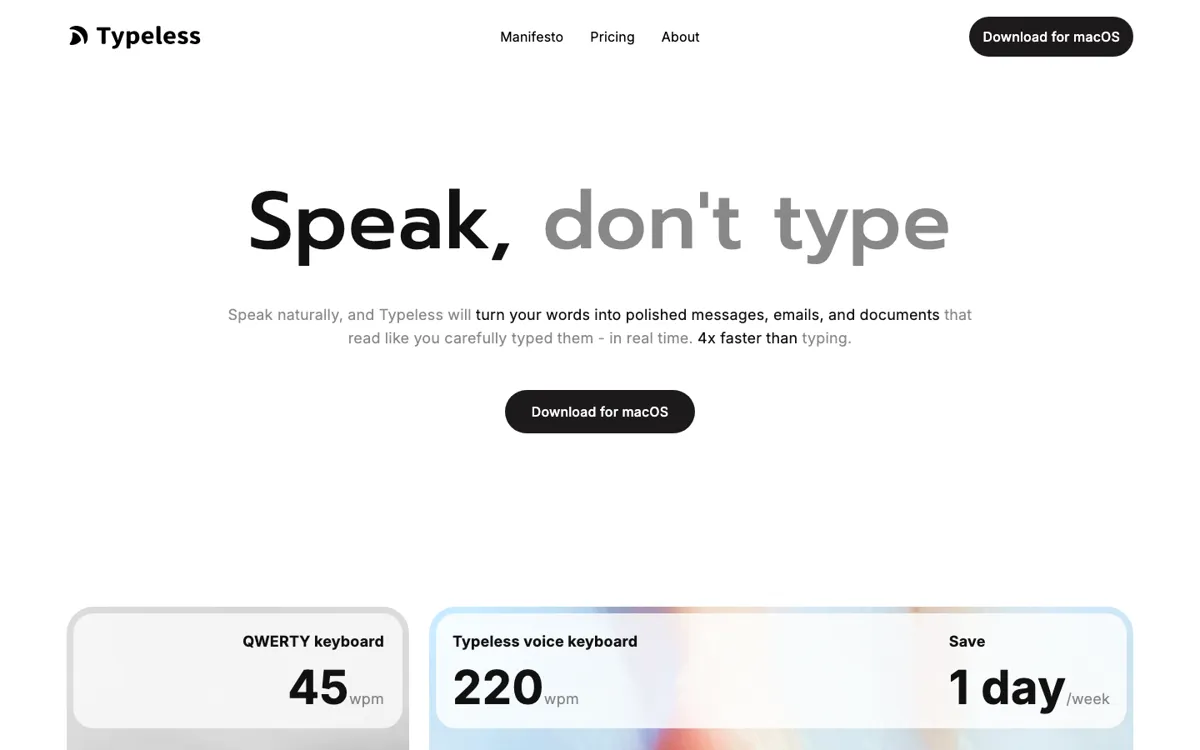
Official Website Snapshot Visit Site ↗

check_circle Pros

  • It is positioned as a workflow tool, not just a transcription trick, which gives it a more durable reason to exist than novelty dictation products.
  • The cross-platform push makes it easier to picture real adoption across a workday instead of keeping voice input trapped inside one app.
  • It speaks directly to the real decision point for this category, which is whether speaking plus light correction is actually faster than typing in normal work.

cancel Cons

  • Voice input products break trust quickly, so even small accuracy misses or awkward correction loops can erase the speed benefit fast.
  • If your work happens in noisy environments, shared spaces, or calls all day, the ideal voice-first workflow becomes much harder to sustain.
  • Users who only need occasional transcription may not feel enough benefit to switch their default input behavior.

Should you use it?

Best for: People who spend all day writing into chats, docs, forms, and work apps and want voice input to become a practical replacement for part of their keyboard time.

Skip it if: Skip it if you mainly need meeting transcription, long recording summaries, or occasional dictation rather than a voice input layer you would actually rely on all day.

Is it worth the price?

Freemium

Typeless only makes sense if it becomes part of your daily muscle memory. If it does, even modest pricing can be easy to justify. If it stays an occasional dictation tool, the value drops fast because the real benefit in this category comes from habit, not one-off usage.

The Free Tier

Public pricing structure supports a free entry path, but the current capture does not preserve a clean free-tier limit line strongly enough to quote directly.

Paid Upgrade

Paid plans are framed around heavier ongoing usage and broader workflow value rather than one-off dictation.

One thing to know before you start

Test Typeless during the messiest part of your day, not in a quiet demo moment. That is when you find out whether it really saves input time or just hands you more cleanup.

What people actually use it for

Fast replies across chats and work apps

A user moving between Slack, messages, forms, and internal tools can use Typeless if speaking is faster than keyboarding but only if the edits stay light enough to keep momentum.

Drafting thoughts while staying in flow

Writers, operators, or managers can use Typeless to get rough thoughts into documents quickly when the main goal is to keep pace with thinking instead of polishing every sentence immediately.

Cross-platform voice input as a default habit

People who switch between devices and apps through the day can use Typeless when they want voice input to feel like a stable part of normal work rather than a special-mode tool.

What does Typeless actually do?

Typeless lives or dies on one brutally simple question: is it faster to speak than to type once the mistakes are counted? That makes this category harder than it looks. Plenty of voice tools can produce a decent transcript, but that does not mean they are good input products. If correction takes too long, if the output drifts at the wrong moment, or if the workflow only works in ideal conditions, users go straight back to the keyboard. Typeless is more interesting than a generic transcription tool because it is trying to win that harsher day-to-day input test instead of only promising voice conversion in theory.

The cross-platform framing matters because voice input only becomes valuable when it follows the user into actual work. A tool like this needs to survive messages, docs, forms, fast note capture, and app switching without feeling like a separate ritual. That is why the workflow language matters more than the transcription language. The product is really selling a new default behavior, not just a new way to record audio. If it works, the benefit is not that you made one nice transcript. The benefit is that you stop losing momentum every time your hands become the slowest part of the task.

The downside is that adoption in this space is fragile. Voice input sounds universally useful until background noise, privacy concerns, open offices, calls, and correction fatigue start piling up. That means Typeless is strongest for users who already want to speak their input and only need a tool accurate enough to make the habit stick. It is weaker for users who only occasionally dictate or who are mostly looking for passive recording and later summarization rather than an input system they depend on throughout the day.

What you can do with it

Turn spoken input into text across day-to-day work apps
Focus on accuracy and practical correction flow instead of novelty dictation demos
Support cross-platform usage for recurring daily work
Fit into everyday messaging, document, and form-filling workflows
Offer use-case guidance for real professional tasks rather than generic voice typing alone
Position voice as an input layer that can replace part of keyboard-heavy work

Technical details

platform
Cross-platform voice input layer designed to sit inside everyday app workflows so speaking can replace part of normal keyboard use instead of creating a separate recording ritual
deployment
Cloud-backed dictation system with downloadable clients where the deciding technical factors are latency, correction friction, and day-long reliability rather than generic speech-to-text accuracy alone
api_available
The official integration signal is app-level workflow fit and downloadable cross-platform usage, not a broad developer API narrative, which makes the product feel more like a daily input surface than a platform

Key Questions

Is Typeless more like dictation or more like an input system?
It is trying to be an input system. The real promise is not occasional transcription, but making voice useful often enough that it can replace some keyboard work in normal apps and workflows.
Who gets the most value from Typeless?
People who type all day into many different apps get the clearest value. If your work is full of short replies, quick drafting, form input, and constant app switching, Typeless has a stronger case.
What is the right way to test Typeless?
Use it in the middle of a real work block with messages, docs, and app switching, then watch how often you need to stop and fix output. That tells you far more than a clean demo sentence ever will.