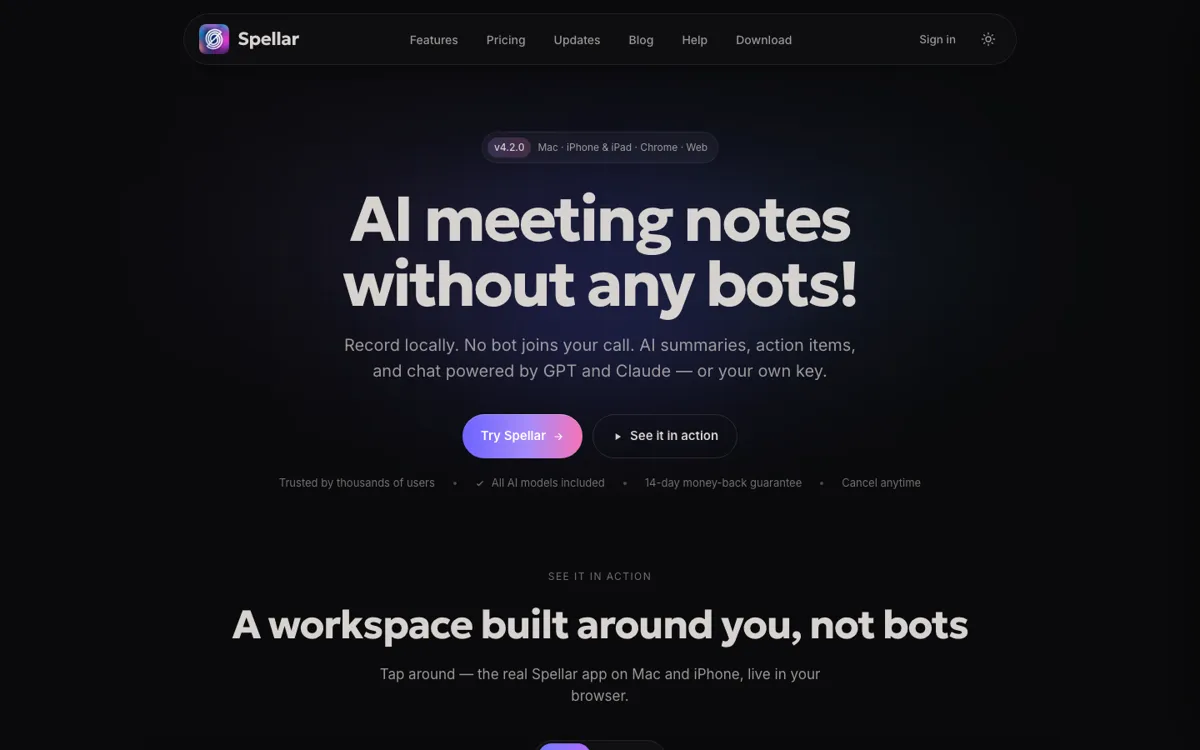
Spellar for Chrome Review

Record browser meetings without a bot and query notes across devices.

Review updated November 2026 • By The AI Way Editorial • 3 min read
Spellar Chrome Extension Meeting Notes Note-Taking Transcription Paid from USD 15.00/mo

Our Verdict

Pick the Chrome version for meetings on a Windows work laptop when you also want access to Mac and iPhone notes. Skip it if your rules prohibit server-side transcription.

Official site
Paid product. Starts at USD 15.00.
open_in_new Visit Spellar for Chrome
Official Website Snapshot Visit Site ↗

check_circle Pros

  • ✓Cited answers let you check an old decision against the recording moment.

cancel Cons

  • ✕Chrome audio goes to Spellar for transcription despite no bot joining the call.
  • ✕After the trial, transcription and AI stop until you subscribe.

Should you use it?

people retrieving decisions from browser and phone meetings in one history

Is it worth the price?

Paid Starts at USD 15.00

The lower monthly rate requires paying for a year. Teams have to ask for a quote, so compare the solo plan before rolling it out to colleagues.

Paid Upgrade
$15/mo billed annually; $20 monthly

Unlimited transcription, summaries, and AI chat

What does Spellar for Chrome actually do?

Start recording in Chrome without adding a participant to the call. Spellar turns the audio into notes and action items; Mac and iPhone recordings land in the same history. Ask about an earlier decision and the AI chat links its answer to the moment it was said.

What you can do with it

Send action items to Linear or Jira.
Select GPT or Claude for a meeting.
Build a note template from a plain-language prompt.

Technical details

model_access
GPT and Claude included on Pro; Gemini requires own key
local_audio_retention
Mac app offers local-only audio storage