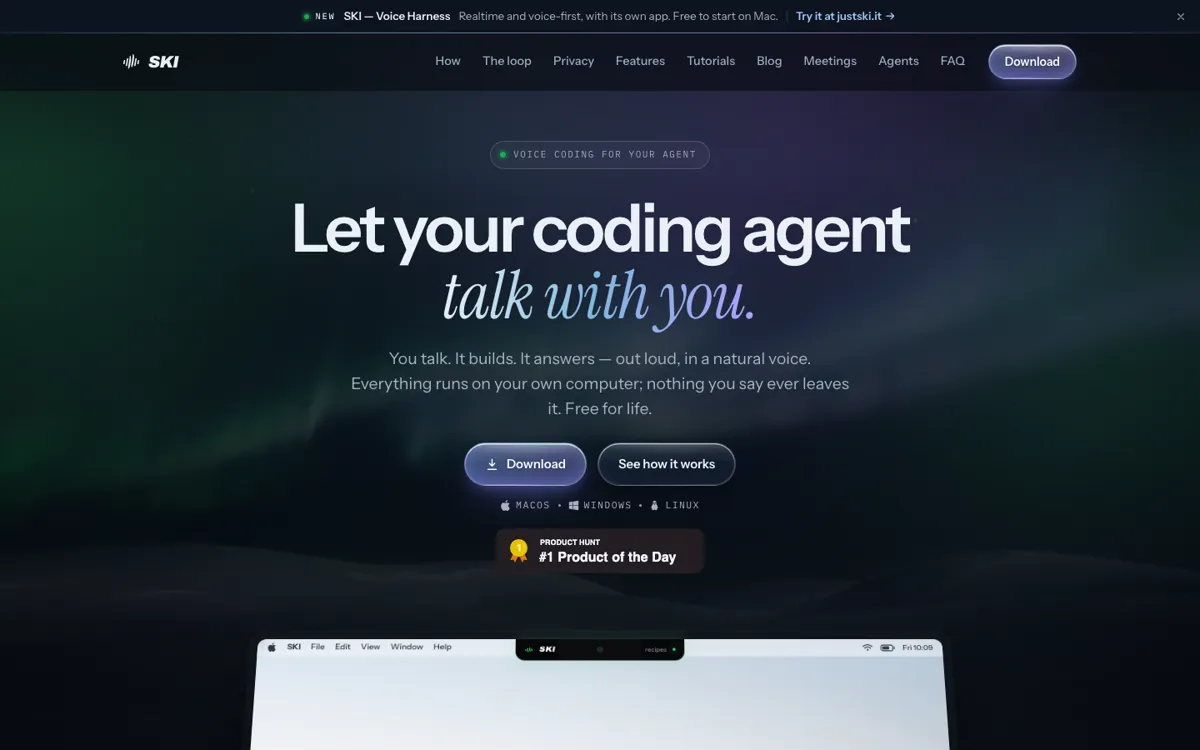
SKI Review

★7.9/10

Speak to an AI coding agent and hear its answer aloud.

Review updated November 2026 • By The AI Way Editorial • 3 min read
Pattern AI Mac App No Credit Card Required Privacy Focused Voice AI Free

Our Verdict

Choose SKI if you already direct coding agents and want spoken replies as well as spoken prompts. It gives an existing agent a voice; it does not replace that agent.

Official site
Free to start.
open_in_new Try SKI
Official Website Snapshot Visit Site ↗

check_circle Pros

  • ✓Switch among connected project sessions without repeating which repo you mean

cancel Cons

  • ✕Continued use requires a free sign-in after the short trial
  • ✕Sending an agent into a video meeting moves meeting audio and transcripts to AgentCall

Should you use it?

Directing multiple coding-agent projects by voice while reviewing their replies

Is it worth the price?

Free
The Free Tier

What does SKI actually do?

Install SKI beside an existing coding agent, then type ski in the agent session to connect it to the desktop widget. Speak a request rather than typing a prompt; the agent works in your project and speaks its reply through an on-device voice.

What you can do with it

Review and edit a transcript before it reaches the agent
Attach a screenshot to the next spoken request
Mute the microphone or switch to text-only replies

Technical details

connection
A small skill and plain files inside each project link the agent to the widget
local_audio
Speech recognition and voice synthesis run on-device
mac_requirement
macOS 14.4 or later on Apple silicon

Key Questions

Does SKI type code into my editor?
No. It passes spoken requests to a connected coding agent through a skill and project files; the agent reads and changes code.