Pitch Review

8.8/10

Create, collaborate on, and personalize slide decks with AI actions, brand controls, and pitch-room analytics.

Review updated May 2026 By The AI Way Editorial Tested 204+ tools across the site 4 min read
Pitch App Integration No Credit Card Required SaaS Slide Designer Team Collaboration Web-Based Freemium from $12.00/mo

Our Verdict

Pitch is easiest to recommend when presentation work is a repeatable business process, not a one-off design chore. It gives teams a cleaner system for building decks, staying on brand, collaborating, sharing pitch rooms, and tracking engagement after the link is sent. The AI features help, but they are not the whole story. The stronger reason to buy Pitch is that it treats decks like living business assets. The downside is that all of this structure matters much less if your slide work is occasional or mostly solo.

Try it
Free to start, then pay when the limits stop you. Starts at $12.00 USD.
open_in_new Try Pitch
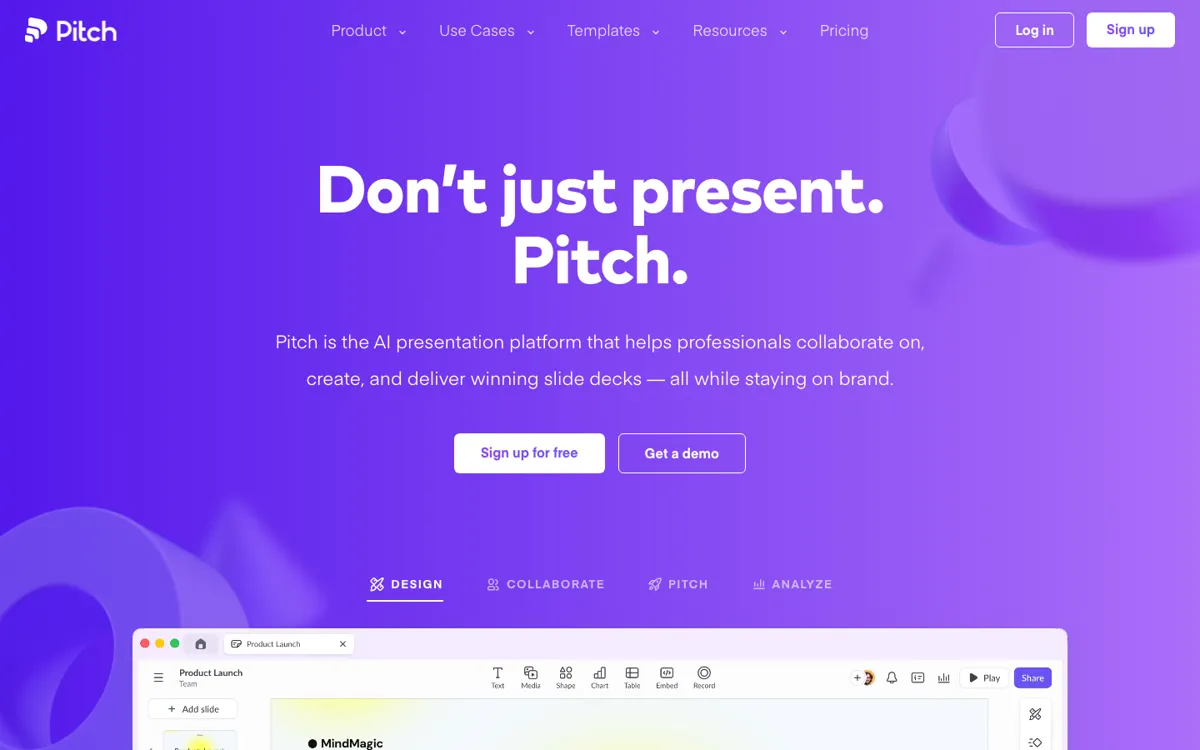
Official Website Snapshot Visit Site ↗

check_circle Pros

  • Pitch does more than generate slides. It supports the full workflow around them, including collaboration, sharing, speaker support, and audience analytics.
  • The AI feature set is concrete rather than vague. It covers deck generation, writing help, image cleanup, summaries, speaker notes, and tone or structure improvements.
  • Integrations are strong where real teams need them, especially HubSpot, Slack, Notion, Figma, Google Drive, and analytics data sources.
  • Pricing is public and segmented clearly enough that individuals, small teams, and larger organizations can understand the upgrade path without guessing.

cancel Cons

  • Pitch shines when deck work is collaborative and frequent. If that is not your reality, much of the product's structure will sit unused.
  • The AI credits model is easy enough to understand, but it still adds another usage layer that teams need to track once AI becomes part of the weekly workflow.
  • Business value is strongest around sales, marketing, and stakeholder communication. Teams outside those loops may not feel enough lift to justify moving off lighter tools.
  • The product is broad inside the presentation category, but that does not automatically make it the best choice for people who care only about pure slide design craft.

Should you use it?

Best for: Sales, marketing, startup, and leadership teams that create presentations often, collaborate across functions, and want better control over both deck creation and post-share engagement.

Skip it if: Skip it if you mostly build decks alone a few times a year and do not care about pitch rooms, analytics, or collaborative review. The bigger workspace features are the reason to pay.

Is it worth the price?

Freemium Starts at $12.00 USD

Pitch is reasonably priced if it replaces scattered deck creation, review, sharing, and engagement tracking workflows for a team. It is less compelling if you only want occasional AI slide generation, because cheaper or bundled presentation tools can cover that narrower job.

The Free Tier

Free includes 100 one-time AI credits, unlimited presentations, branded sharing links, branded PDF exports, 2 external guests, and up to 5 members in a Free workspace.

Paid Upgrade
$12/month

Paid plans unlock recurring AI credits, larger guest limits, advanced links, pitch rooms from Team upward, teamspaces, custom domains, better analytics, advanced collaboration, and higher-end admin or security features.

One thing to know before you start

Before rolling Pitch out widely, map one real presentation workflow end to end, from first draft to link sharing to follow-up. If your team will use the analytics and collaboration loops, Pitch gets much easier to justify than if it is treated like a prettier slide editor.

What people actually use it for

Build sales decks that can be shared and tracked after the meeting

Sales teams can use Pitch when the real work starts after the deck is sent. Shared pitch rooms and engagement analytics help them see who opened the deck, which slides held attention, and where follow-up may be needed.

Keep recurring team presentations on brand without rebuilding from scratch

Marketing, leadership, and operations teams can use custom templates, shared assets, and AI writing help to produce recurring updates without every deck turning into a fresh formatting project.

Turn presentation work into a collaborative workflow instead of a file handoff mess

Pitch fits teams that are tired of slide decks bouncing through export files, duplicate versions, and feedback chaos. Comments, assignments, version history, and shared workspaces make the deck itself a place the team can work together.

What does Pitch actually do?

Pitch is not trying to be a generic slide app with one AI button bolted on top. It is trying to turn presentation work into a repeatable team workflow. That matters because the pain around decks is rarely just design. It is the back-and-forth around edits, brand drift, stakeholder review, file sharing, and what happens after the presentation is sent. Pitch tackles that whole loop, which is why it feels more like a presentation workspace than a basic editor.

The AI layer makes the product faster, but the surrounding structure is what gives it staying power. AI can help start a deck, tighten writing, generate speaker notes, or enhance visuals. The more valuable part for many teams is that those decks live inside templates, teamspaces, pitch rooms, and analytics flows. That makes the output easier to reuse, measure, and improve. If your team already treats presentations as part of sales or decision-making infrastructure, that difference is meaningful.

The main buying question is frequency. Teams that present often and care about what happens after a deck is shared can get real leverage out of Pitch. Teams that only need occasional deck help may not use enough of the workflow layer to justify the switch. That is why Pitch feels strongest in environments where presentations are part of revenue, fundraising, reporting, or cross-functional alignment rather than just occasional internal slides.

What you can do with it

Generates on-brand decks from prompts, templates, and AI slide actions
Supports real-time collaboration, version history, comments, assignments, and shared pitch rooms
Tracks engagement through advanced links, slide views, time spent, and presentation analytics
Embeds live content and media from tools like HubSpot, Figma, Google Drive, Loom, and Notion
Exports and imports PowerPoint while keeping presentation workflows inside a modern team workspace

Technical details

ai_creation_limits
Free includes 100 AI credits, Plus includes 3,000 AI credits per year, and Team includes 6,000 AI credits per seat per year, with extra credits available above quota.
integration_surface
Pitch connects with HubSpot, Slack, Notion, Figma, Google Drive, Google Analytics, Google Sheets, Loom, Unsplash, Brandfetch, Airtable, and more for live embeds, CRM-linked sharing, and data-driven slides.
workspace_structure
Paid plans add teamspaces, roles, guests, version history, custom domains, and larger external-collaboration limits, which makes the product operate more like a shared presentation workspace than a solo editor.
sharing_and_analytics_model
Pitch supports advanced links, shared pitch rooms, customizable speaker view, and engagement analytics that show opens, slide views, and time spent.

Top Alternatives to Pitch

If Pitch is close but still misses the job, try one of these instead.

Key Questions

Is Pitch mainly an AI presentation tool or a collaboration platform?
It is both, but the collaboration layer is what gives it more staying power. The AI helps you create and refine slides faster, while the workspace, sharing, and analytics features make it useful across repeated team workflows.
Who gets the most value from Pitch?
Teams that create decks often enough to care about templates, comments, versioning, pitch rooms, and engagement data after sharing. Those workflows make Pitch feel like infrastructure instead of a nicer editor.
When is Pitch overkill?
When presentation work is rare, solo, and low-stakes. In that case, many of the collaboration and analytics features will not matter enough to justify switching your workflow.