What does Open Generative AI actually do?
Open Generative AI is easiest to understand as a refusal to stay trapped in one closed creative stack. Instead of asking you to accept one vendor's model lineup, workflow shape, and pricing logic, it gives you a broad media layer with browser access, desktop installs, and self-host options. That matters most if you already know the pain of bouncing between separate image and video tools, paying twice, and still not having the model you actually want. The product feels less like one neat generator and more like a control panel for people who want optionality.
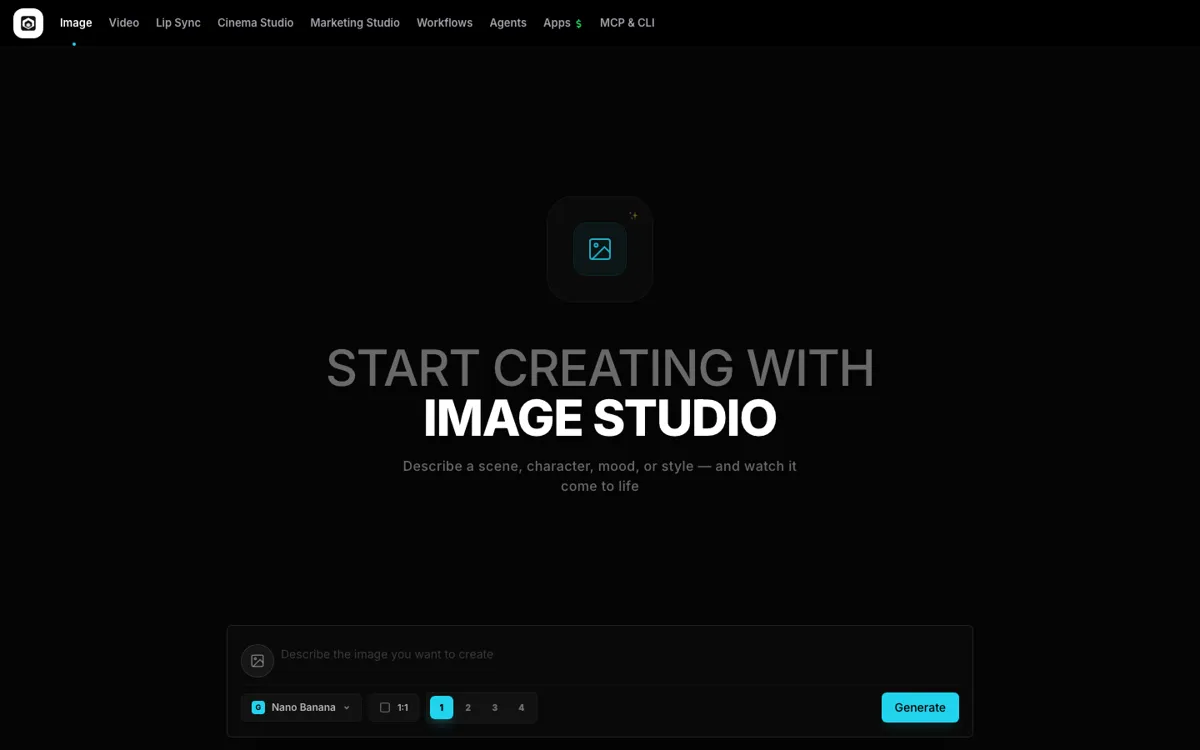
The strongest practical reason to use it is not abstract openness. It is workflow coverage. The live product surface is already split into image, video, lip sync, cinema, marketing, workflows, agents, design agent, apps, and MCP or CLI entry points, while the repo backs that up with hosted access, desktop installers, and local inference paths. That breadth creates real leverage for people who want one stack that can stretch from quick browser prompting to more technical setups. It also explains why the product is attractive for SEO, because users can arrive through review, alternatives, self-host, desktop, CLI, or model-comparison intent instead of one narrow keyword path.