Handy Review

★8.6/10

Speak into a microphone and paste local transcription into any text field.

Review updated November 2026 • By The AI Way Editorial • 3 min read
Free Forever Open Source Privacy Focused Transcription Free

Our Verdict

Pick Handy for free dictation with a choice of local models. Do not pick it to caption meetings: it listens to your microphone and transcribes only after you stop recording.

Official site
Free to start.
open_in_new Try Handy
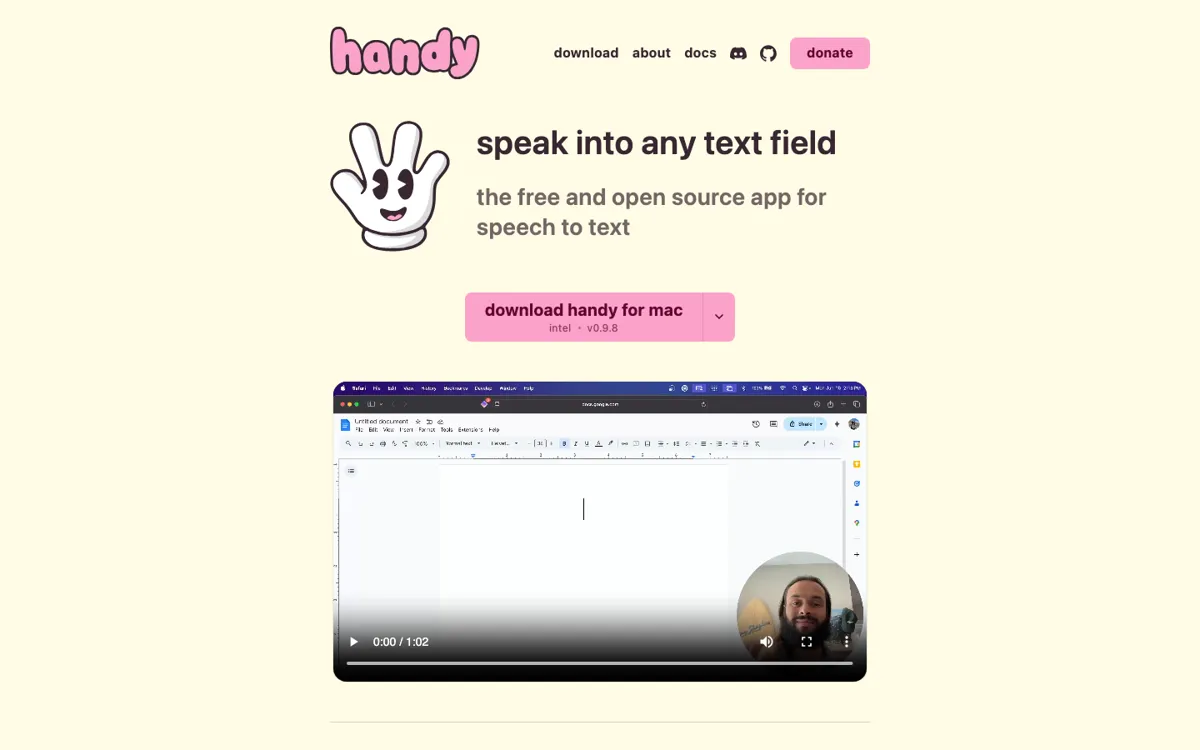
Official Website Snapshot Visit Site ↗

check_circle Pros

  • ✓Choose Moonshine on lower-powered hardware instead of forcing a large Whisper model

cancel Cons

  • ✕Cloud post-processing sends transcript text to your chosen provider when enabled

Should you use it?

Dictating messages on Mac, Windows, or Linux without a subscription

Is it worth the price?

Free
The Free Tier

What does Handy actually do?

On first launch, Handy asks you to download a speech model. On macOS, you also grant microphone and accessibility permissions. Hold the shortcut to record a phrase; the words land at the cursor when you release it. You can change models if the first one struggles with your language or hardware.

What you can do with it

Change the recording shortcut in settings
Enable experimental post-processing to reformat a transcript

Technical details

model_hardware
Whisper and Cohere can use GPU; Parakeet currently runs on CPU
history_retention
Local recording history has a configurable limit, including zero
recognition_models
Parakeet, Whisper, Cohere Transcribe, and other on-device models

Key Questions

Why does Parakeet spell out numbers?
That is the model output. Choose Whisper for digit formatting, or apply a post-processing prompt if you need Parakeet with numeric digits.