Change Video to Color Review

7.0/10

Upload old black-and-white video and get an AI-colorized version in standard or 4K.

Review updated August 2026 By The AI Way Editorial 3 min read
Change Video to Color Video Editing Video Effects Web-Based Paid from USD 3.99/mo

Our Verdict

This is the easier buy when you only want color back in a few old clips. You can get from upload to preview without touching restoration software. The downside is that longer footage gets expensive fast, and anything beyond colorization still needs another tool.

Official site
Paid product. Starts at USD 3.99.
open_in_new Visit Change Video to Color
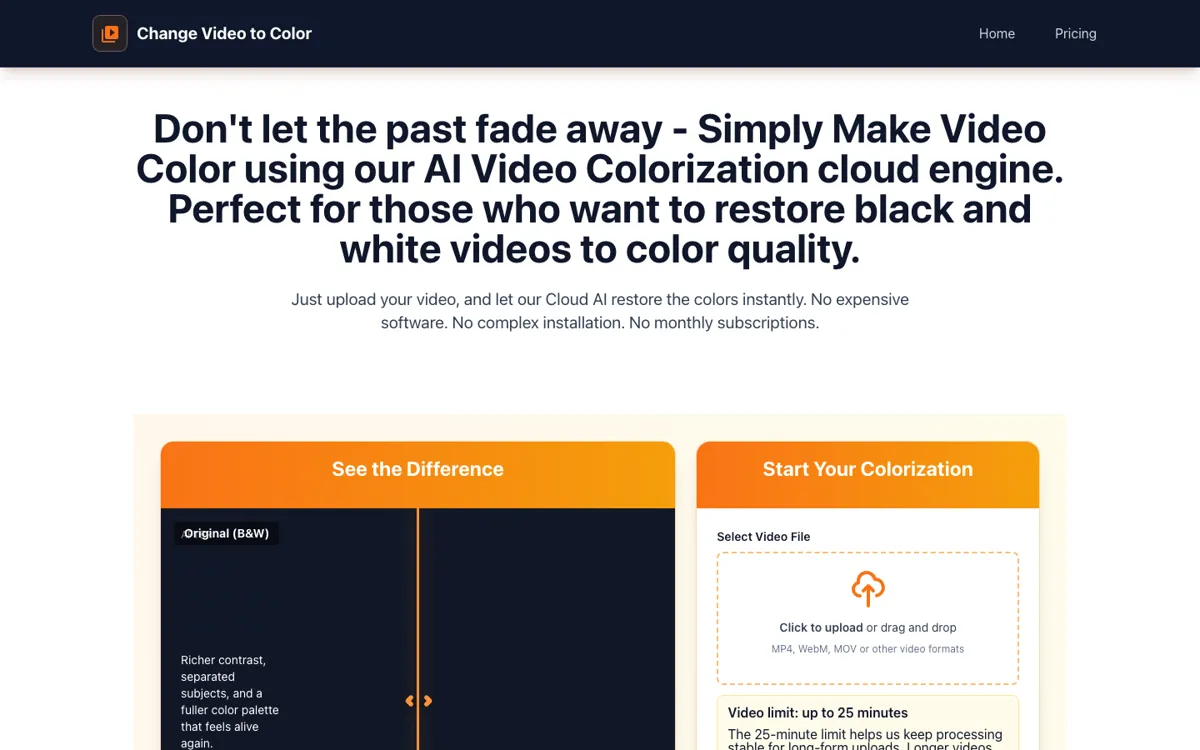
Official Website Snapshot Visit Site ↗

check_circle Pros

  • You can reach a preview without learning desktop restoration software.
  • The public price ladder makes longer clips easier to budget.
  • Standard and 4K tiers give you a cheaper test path first.

cancel Cons

  • Medium and long clips get expensive much faster than the $3.99 headline suggests.
  • The public workflow stops at 25 minutes unless you split footage.
  • This is colorization first, not a full repair suite.

Should you use it?

bringing color back to short family clips and VHS transfers without desktop restoration tools

Skip it if: you need long-form cleanup, denoising, or stabilization in the same app

Is it worth the price?

Paid Starts at USD 3.99

The short-clip price is easy to try. The real decision starts at $11.90 and $24.90 once you move from one memory clip to full home-video restoration.

Paid Upgrade
$3.99 per video

Paid unlock removes watermark and downloads the full result.

One thing to know before you start

Trim dead air before uploading. The price bands follow duration, not how much of the clip matters.

What people actually use it for

One family clip

It fits best when one wedding clip, reunion tape, or childhood recording matters more than restoring an entire archive.

Check color first

The watermark preview makes more sense for cautious buyers who want to see whether skin tones and scenery look believable before unlocking.

4K for TV playback

The 4K tier matters more when an old transfer will be watched on a large screen where soft source footage looks rough.

What does Change Video to Color actually do?

The strongest part of this product is how little setup it asks from you. It keeps the job narrow: upload an old clip, let the site judge the length, choose standard or 4K, then decide whether the preview is worth unlocking.

The pricing page is easy to read but much less cheap once clips get longer. Short videos start at $3.99, medium videos jump to $11.90, and long footage reaches $24.90 before the 4K upgrade pushes it higher.

What you can do with it

Upload black-and-white footage for browser-based AI colorization.
Pick standard output or a 4K upscale tier.
Watch a watermark preview before unlocking the clean file.
Upload MP4, MOV, AVI, MKV, WMV, and WebM clips.
Handle videos up to 25 minutes in the public flow.

Technical details

max_length
Public uploads are capped at 25 minutes.
output_tiers
Standard export or 4K upscale.
file_retention
Uploaded videos auto-delete after 24 hours.
supported_formats
MP4, MOV, AVI, MKV, WMV, and WebM.

Key Questions

Can you try it free?
You can upload footage and reach the guided preview flow without paying, but the clean full-length result only unlocks on the paid tiers.
How long can a clip be?
The public upload flow tops out at 25 minutes. Longer footage needs to be split or handled through direct contact with the site.
What formats does it support?
The site names MP4, WebM, MOV, AVI, MKV, and WMV, so it is built for the usual home-video formats instead of one locked export type.
What changes with 4K?
Standard gives you the normal colorized export. The 4K option adds an upscale pass for cleaner playback on larger screens.