What does Hex actually do?
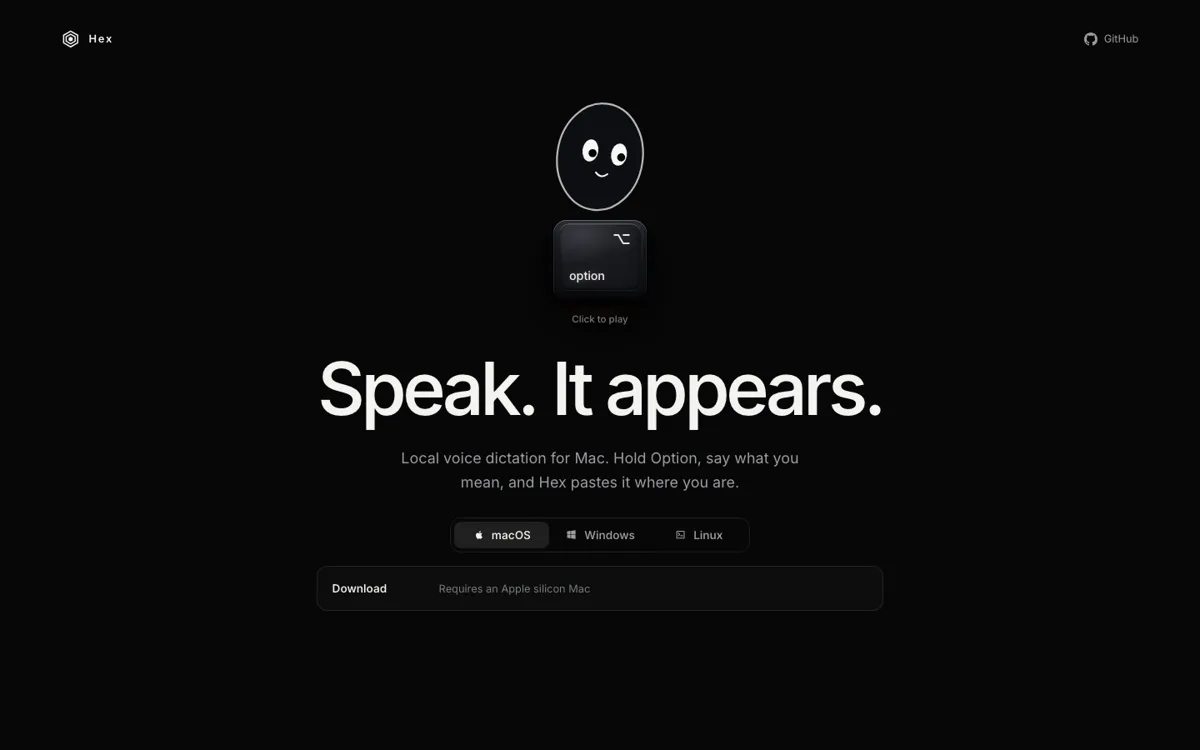
Hex puts a spoken sentence into the text field you are already using: hold the shortcut, dictate, then let go. Its local-first setup keeps ordinary dictation on the computer instead of requiring a transcription service.
Hold a shortcut, speak, and paste dictated text into the active app.
Choose Hex if the job is getting spoken text into the Mac app already in front of you. The first run still needs a speech-model download.
Short Mac replies typed by voice without leaving the current app
Hex puts a spoken sentence into the text field you are already using: hold the shortcut, dictate, then let go. Its local-first setup keeps ordinary dictation on the computer instead of requiring a transcription service.